
Hex To RGB
Convert a HEX colour code into its red, green and blue values.


Hex To RGB
Some tools and CSS functions need separate red, green and blue numbers rather than a hex code. Type a hex colour and get the RGB values instantly.
How to use Hex To RGB
- Enter the HEX Color, for example #4C3FF2.
- See the colour in the preview and read the Red, Green and Blue values.
- Copy the values you need.
When it comes in handy
- Using a brand colour inside rgba() to add transparency.
- Entering colours into software that asks for separate channels.
- Understanding the components of a hex code.
Frequently asked questions
Do I need the # sign?
It is customary to include it. Use a valid six-digit hex code for the best result.
Can I add transparency?
RGB conversion gives the three colour channels. In CSS you can combine them with an alpha value using rgba().
Related guides
-
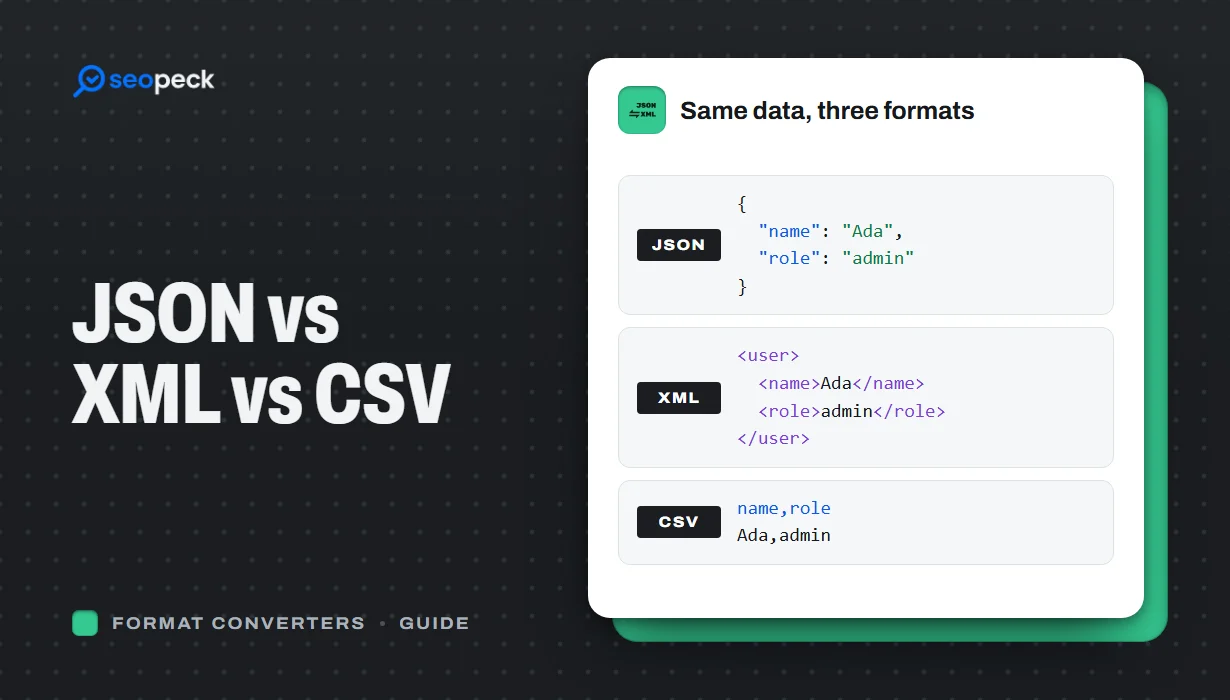 JSON vs XML vs CSV: Choosing the Right Data Format for Your Project
JSON, XML and CSV each solve a different problem. Here is how to pick the right one, plus tools to convert and validate between them.
JSON vs XML vs CSV: Choosing the Right Data Format for Your Project
JSON, XML and CSV each solve a different problem. Here is how to pick the right one, plus tools to convert and validate between them.
-
 How to Fix Invalid JSON: The 8 Most Common Errors
Trailing commas, single quotes, unquoted keys and the other mistakes that break JSON, with before-and-after examples and a quick way to find the problem.
How to Fix Invalid JSON: The 8 Most Common Errors
Trailing commas, single quotes, unquoted keys and the other mistakes that break JSON, with before-and-after examples and a quick way to find the problem.
-
 Unix Timestamps Explained: Epoch Time for Humans
What a Unix timestamp is, why it counts from 1970, seconds vs milliseconds, time zones, the year 2038 problem, and how to convert timestamps quickly.
Unix Timestamps Explained: Epoch Time for Humans
What a Unix timestamp is, why it counts from 1970, seconds vs milliseconds, time zones, the year 2038 problem, and how to convert timestamps quickly.
