

Secret Key Generator
Strength: about bits of randomness each, from your browser's cryptographically secure generator.
Keys are generated on your device and never sent anywhere. Store them in a password manager or your server's environment settings, never in your code repository.


Secret Key Generator
Applications need secret keys for sessions, tokens, encryption and APIs, and they must be truly random. This generator uses your browser's cryptographically secure random number generator (crypto.getRandomValues) to create keys in the formats developers need: raw bytes as hex, Base64 or URL-safe Base64, a Laravel APP_KEY, a Django SECRET_KEY, random strings and UUIDs.
How to use Secret Key Generator
- Choose the key type.
- Choose the size in bytes, or the length for character keys, and how many keys you want.
- Copy a key, or generate a fresh set.
When it comes in handy
- Setting APP_KEY in a Laravel .env file or SECRET_KEY in Django settings.
- Creating a JWT signing secret or webhook secret.
- Generating API keys for your own service.
Frequently asked questions
How long should a key be?
32 bytes (256 bits) is a good default for secrets and HMAC keys. More does not hurt, but 128 bits is already beyond brute force.
Is it safe to generate keys on a website?
These keys are generated on your device and never sent anywhere. For production secrets, many teams still prefer generating them on the server itself, for example with openssl rand -base64 32.
Related guides
-
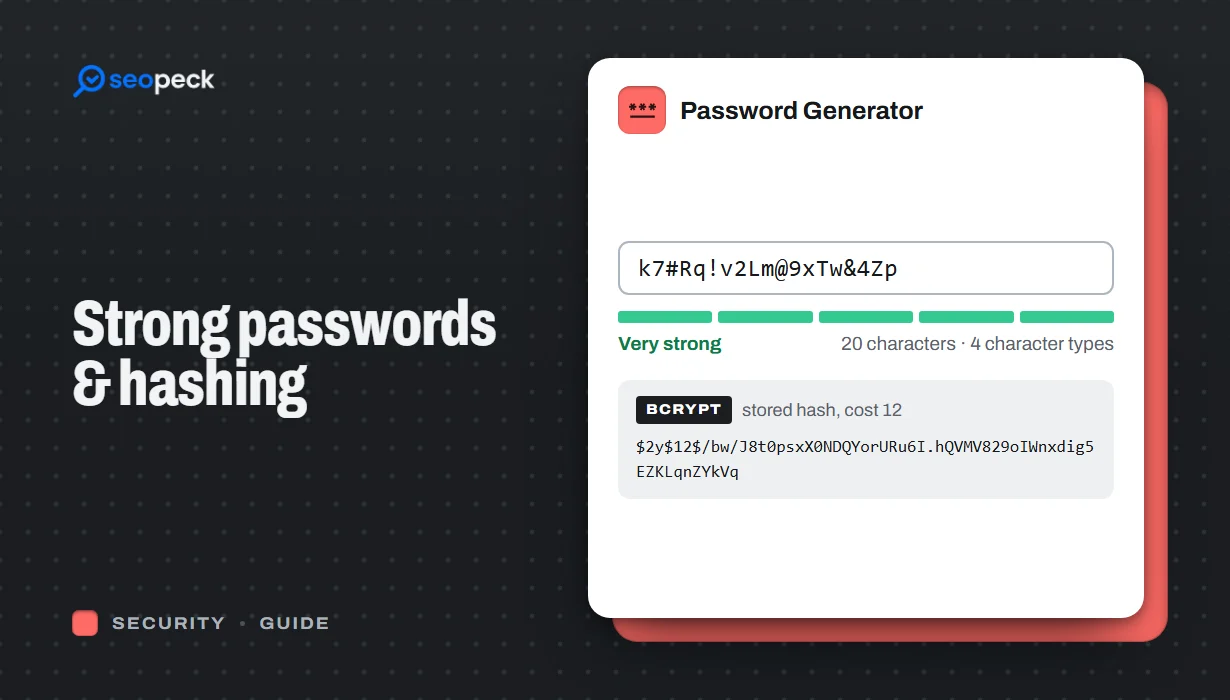 How to Create a Genuinely Strong Password (And What Sites Do With It)
What actually makes a password hard to crack, why length beats complexity, and how sites store passwords safely using hashing.
-
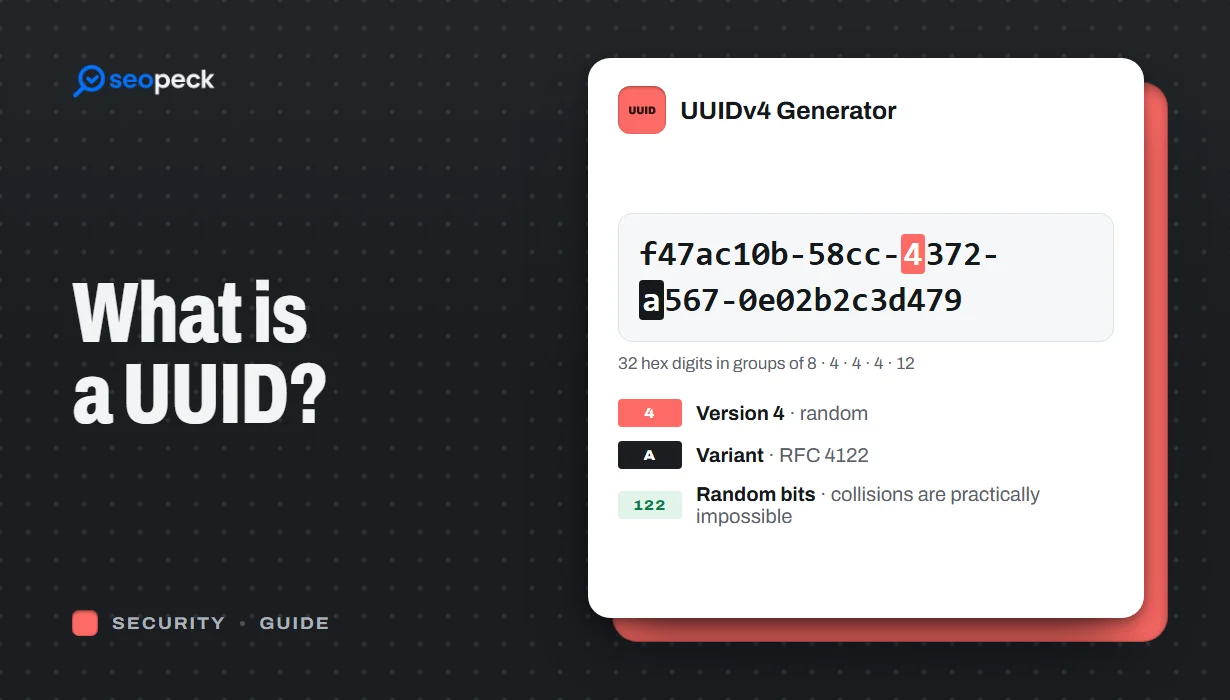 What Is a UUID? Versions, Uniqueness and When to Use One
What UUIDs are, how version 4 and version 7 differ, how unique they really are, and the trade-offs of using them as database keys.
-
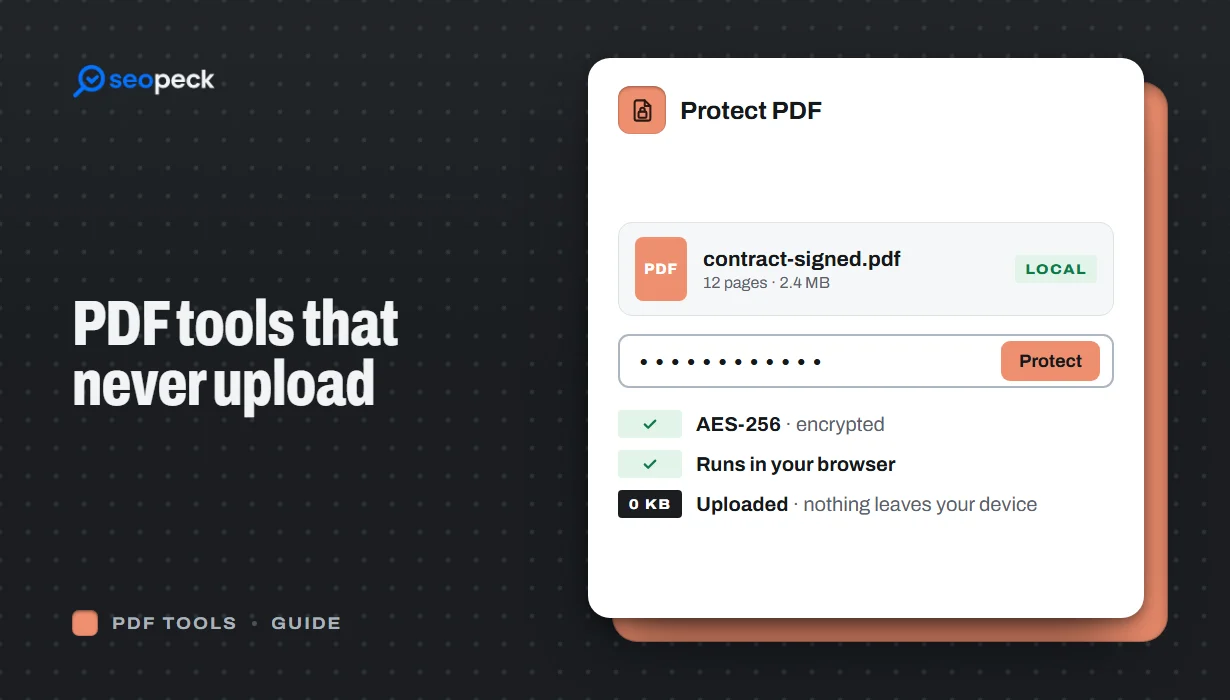 Free PDF Tools That Never Upload Your Files: Merge, Compress, Protect and More
Most online PDF tools send your document to someone else's server. Here is why that matters, and how to merge, split, compress, sign and password-protect PDFs entirely inside your browser instead.