
Password Generator
Create strong random passwords with the length and character types you choose.
The number of passwords must be at least 1.
The number of passwords cannot be more than 1000.


Password Generator
Reused and guessable passwords are the most common way accounts are broken into. This generator builds random passwords from the character types you choose, and can create several at once.
How to use Password Generator
- Set the Password Length and the Number of Passwords you want.
- Switch on the character types to include: symbols, numbers, lowercase and uppercase letters, and optionally ambiguous characters.
- Click generate and copy the password into your password manager.
When it comes in handy
- Creating a unique password for every new account.
- Generating several candidates at once to choose from.
- Producing random strings for test accounts and temporary logins.
Frequently asked questions
How long should a password be?
Length matters most. Use at least 12 characters, and 16 or more for important accounts. A long random password beats a short complicated one.
Are the passwords stored or sent anywhere?
They are generated in your browser and are not sent to the server. Save them in a password manager right away, because they are not kept for you.
Related guides
-
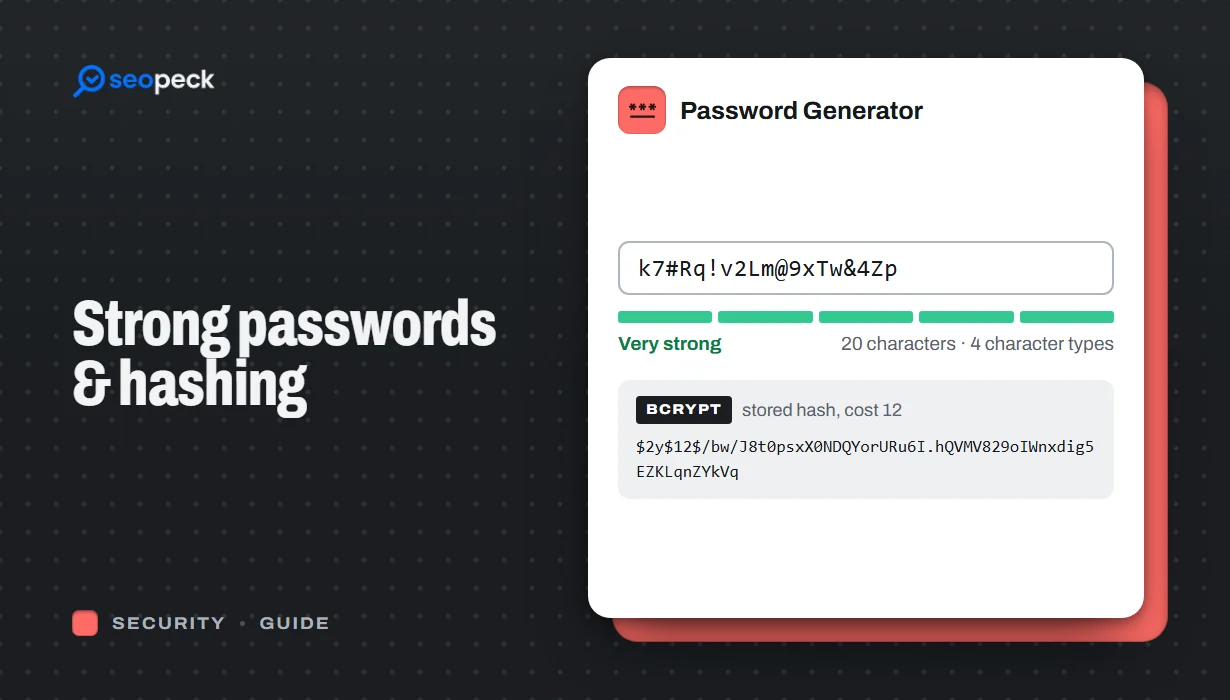 How to Create a Genuinely Strong Password (And What Sites Do With It)
What actually makes a password hard to crack, why length beats complexity, and how sites store passwords safely using hashing.
How to Create a Genuinely Strong Password (And What Sites Do With It)
What actually makes a password hard to crack, why length beats complexity, and how sites store passwords safely using hashing.
-
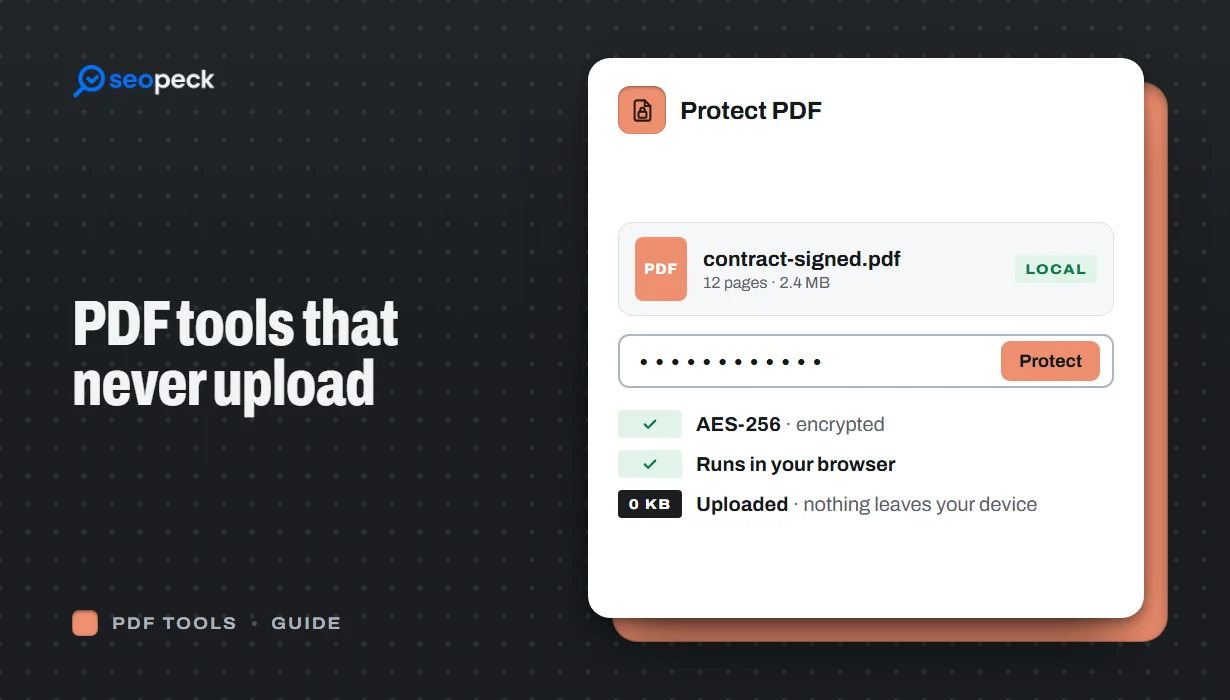 Free PDF Tools That Never Upload Your Files: Merge, Compress, Protect and More
Most online PDF tools send your document to someone else's server. Here is why that matters, and how to merge, split, compress, sign and password-protect PDFs entirely inside your browser instead.
Free PDF Tools That Never Upload Your Files: Merge, Compress, Protect and More
Most online PDF tools send your document to someone else's server. Here is why that matters, and how to merge, split, compress, sign and password-protect PDFs entirely inside your browser instead.
-
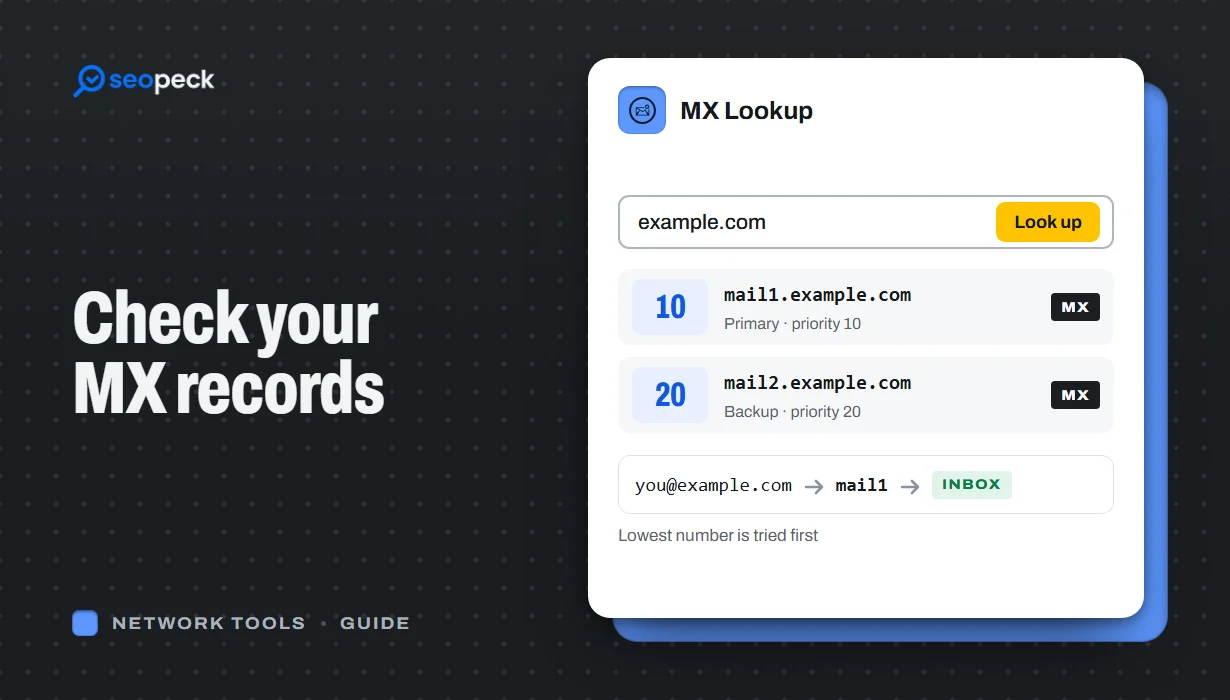 How to Check MX Records (and Fix Email That Isn't Arriving)
See any domain's MX records in seconds, online or with nslookup and dig, learn to read the priority numbers, and work through the checks that find out why email is not arriving.
How to Check MX Records (and Fix Email That Isn't Arriving)
See any domain's MX records in seconds, online or with nslookup and dig, learn to read the priority numbers, and work through the checks that find out why email is not arriving.
