
MD5 Generator
Create the MD5 checksum of any text, for comparing data and spotting changes.


MD5 Generator
MD5 turns any input into a fixed 32-character fingerprint. It is still widely used to compare files and detect accidental changes, though it is no longer suitable for security.
How to use MD5 Generator
- Enter your text under Content to Hash.
- Click Generate MD5.
- Copy the hash from the result box.
When it comes in handy
- Comparing checksums to confirm a download or file was not corrupted.
- Creating cache keys and quick identifiers.
- Verifying values against a legacy system that stores MD5 hashes.
Frequently asked questions
Is MD5 safe for passwords?
No. It is fast and has known collisions, so it should not be used to protect passwords or signatures. Use bcrypt or Argon2 for passwords.
Can an MD5 hash be reversed?
Not directly, but common inputs can be found by lookup tables, which is another reason not to rely on it for secrets.
Related guides
-
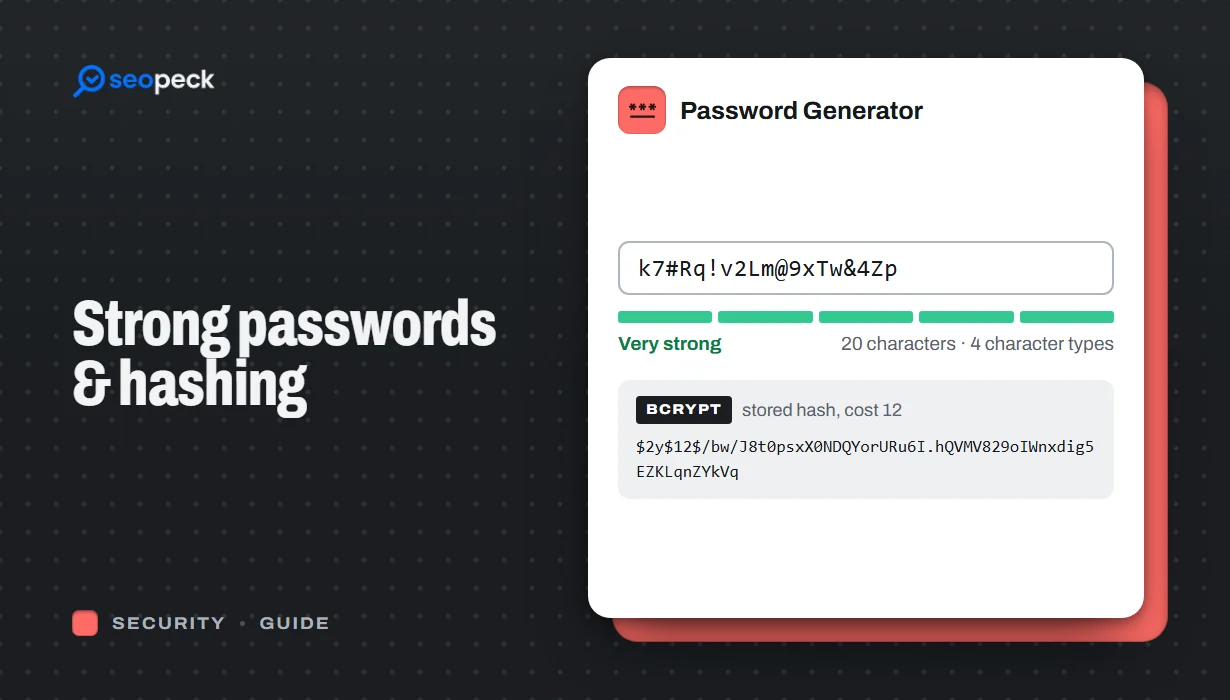 How to Create a Genuinely Strong Password (And What Sites Do With It)
What actually makes a password hard to crack, why length beats complexity, and how sites store passwords safely using hashing.
How to Create a Genuinely Strong Password (And What Sites Do With It)
What actually makes a password hard to crack, why length beats complexity, and how sites store passwords safely using hashing.
-
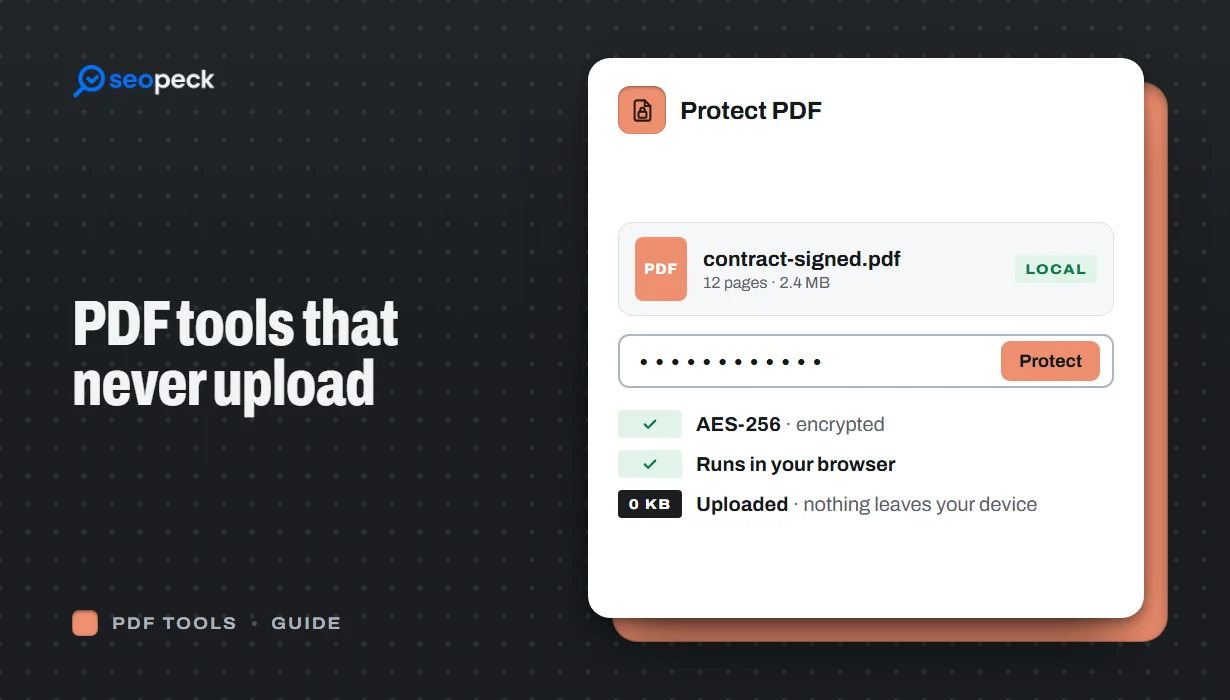 Free PDF Tools That Never Upload Your Files: Merge, Compress, Protect and More
Most online PDF tools send your document to someone else's server. Here is why that matters, and how to merge, split, compress, sign and password-protect PDFs entirely inside your browser instead.
Free PDF Tools That Never Upload Your Files: Merge, Compress, Protect and More
Most online PDF tools send your document to someone else's server. Here is why that matters, and how to merge, split, compress, sign and password-protect PDFs entirely inside your browser instead.
-
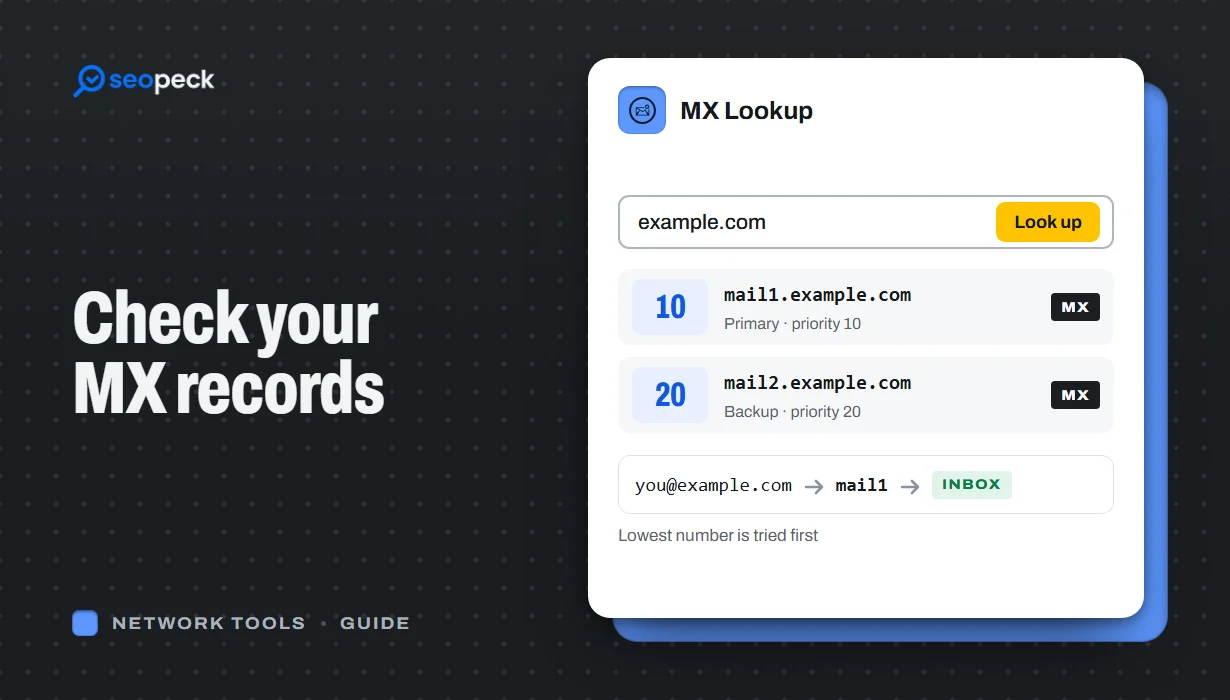 How to Check MX Records (and Fix Email That Isn't Arriving)
See any domain's MX records in seconds, online or with nslookup and dig, learn to read the priority numbers, and work through the checks that find out why email is not arriving.
How to Check MX Records (and Fix Email That Isn't Arriving)
See any domain's MX records in seconds, online or with nslookup and dig, learn to read the priority numbers, and work through the checks that find out why email is not arriving.
