
Password Strength Test
Rate a password and see which strength rules it meets or misses.
Weak Password Moderate Password Strong Password
Password Requirements:
- At least 12 characters long
- Contains numbers
- Contains special characters
- Contains uppercase letters
- Contains lowercase letters
- Not a common password
- No sequential characters (e.g., "abc", "123")
- No repeating characters (e.g., "aaa")
Tips for a Strong Password:
- Use a mix of letters, numbers, and special characters
- Make it at least 12 characters long
- Avoid using personal information
- Use a unique password for each account
- Consider using a password manager


Password Strength Test
A password can look complicated and still be easy to guess. This checker rates what you type as weak, moderate or strong and shows which requirements it meets, such as length, numbers, symbols and letter case.
How to use Password Strength Test
- Type or paste a password into the field. Use Show if you want to see what you typed.
- Watch the strength rating change as you type.
- Add length and variety until the checklist is met.
When it comes in handy
- Understanding why a short password is weak.
- Comparing a passphrase with a shorter password full of symbols.
- Teaching family or colleagues what makes a good password.
Frequently asked questions
Should I test my real password here?
It is safer to test a similar example rather than a password you actually use. Never type live passwords into websites you do not fully trust.
Is a high score a guarantee?
No. A password that appears in a breach list is unsafe however it scores. Use a unique password for every site and turn on two-factor authentication.
Related guides
-
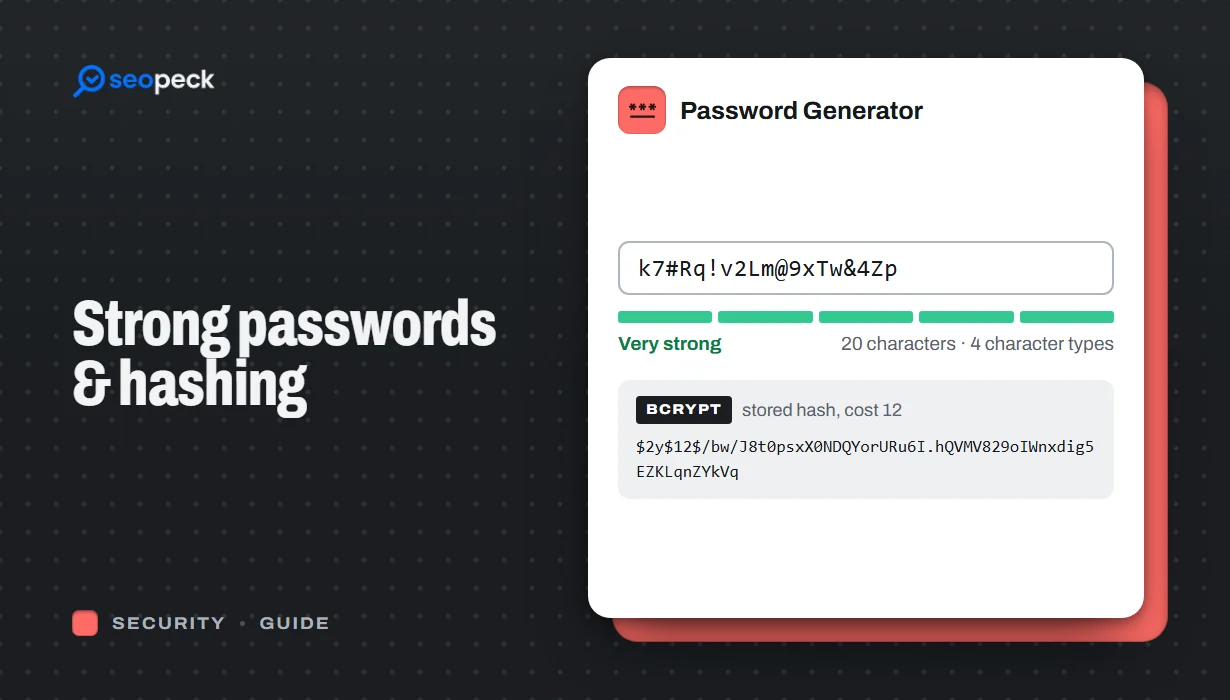 How to Create a Genuinely Strong Password (And What Sites Do With It)
What actually makes a password hard to crack, why length beats complexity, and how sites store passwords safely using hashing.
How to Create a Genuinely Strong Password (And What Sites Do With It)
What actually makes a password hard to crack, why length beats complexity, and how sites store passwords safely using hashing.
-
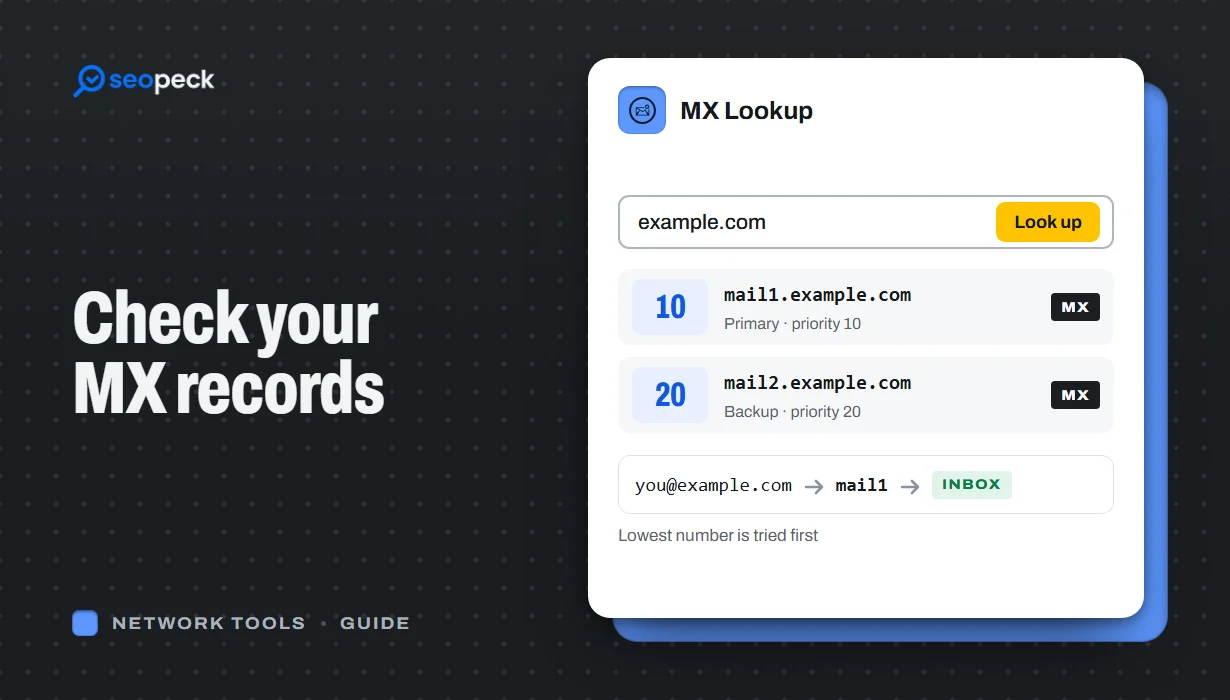 How to Check MX Records (and Fix Email That Isn't Arriving)
See any domain's MX records in seconds, online or with nslookup and dig, learn to read the priority numbers, and work through the checks that find out why email is not arriving.
How to Check MX Records (and Fix Email That Isn't Arriving)
See any domain's MX records in seconds, online or with nslookup and dig, learn to read the priority numbers, and work through the checks that find out why email is not arriving.
-
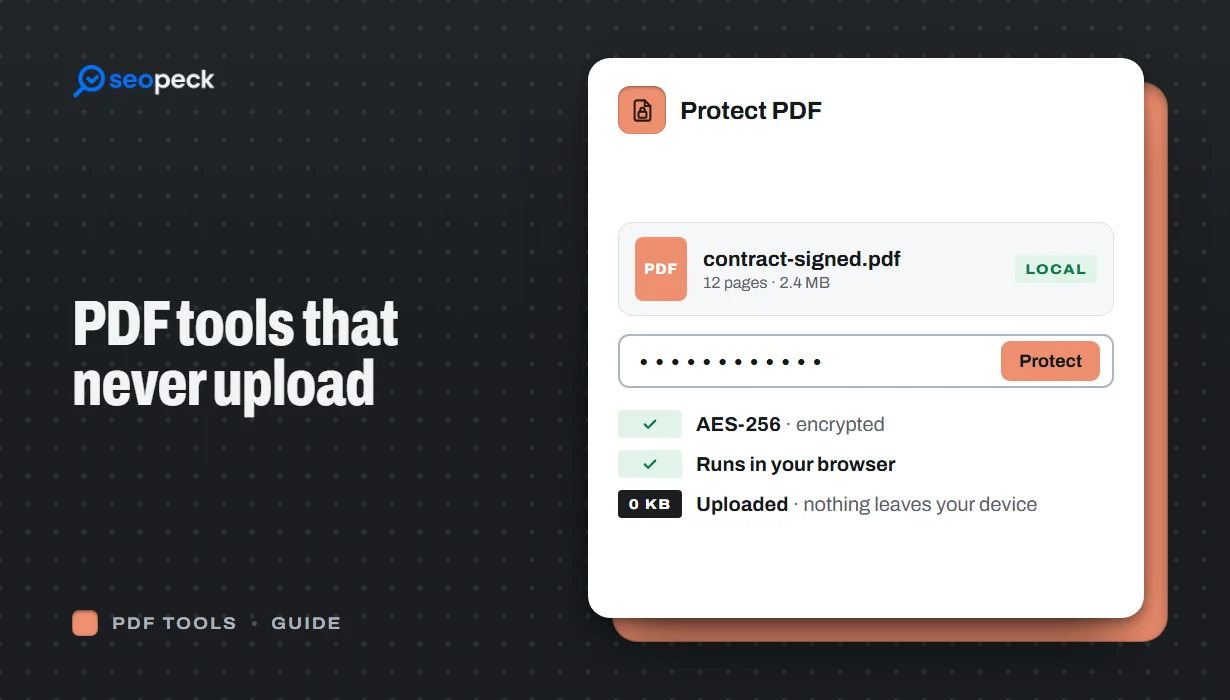 Free PDF Tools That Never Upload Your Files: Merge, Compress, Protect and More
Most online PDF tools send your document to someone else's server. Here is why that matters, and how to merge, split, compress, sign and password-protect PDFs entirely inside your browser instead.
Free PDF Tools That Never Upload Your Files: Merge, Compress, Protect and More
Most online PDF tools send your document to someone else's server. Here is why that matters, and how to merge, split, compress, sign and password-protect PDFs entirely inside your browser instead.
