
SHA Generator
Hash text with SHA-256 or SHA-512 for integrity checks and signatures.


SHA Generator
SHA-2 hash functions produce a fixed-length fingerprint of your input and are used for file integrity, digital signatures and many security protocols. Choose SHA-256 or SHA-512 and hash your text.
How to use SHA Generator
- Select SHA256 or SHA512.
- Enter your text under Content to Hash and click Generate Hash.
- Copy the hash.
When it comes in handy
- Verifying downloads against a published checksum.
- Generating fingerprints for data and configuration values.
- Testing code that computes SHA hashes.
Frequently asked questions
What is the difference between SHA-256 and SHA-512?
SHA-256 produces a 64-character hex hash and SHA-512 a 128-character one. Both are considered secure for integrity checks.
Should I hash passwords with SHA-256?
Not on its own. Passwords need a slow, salted algorithm such as bcrypt or Argon2.
Related guides
-
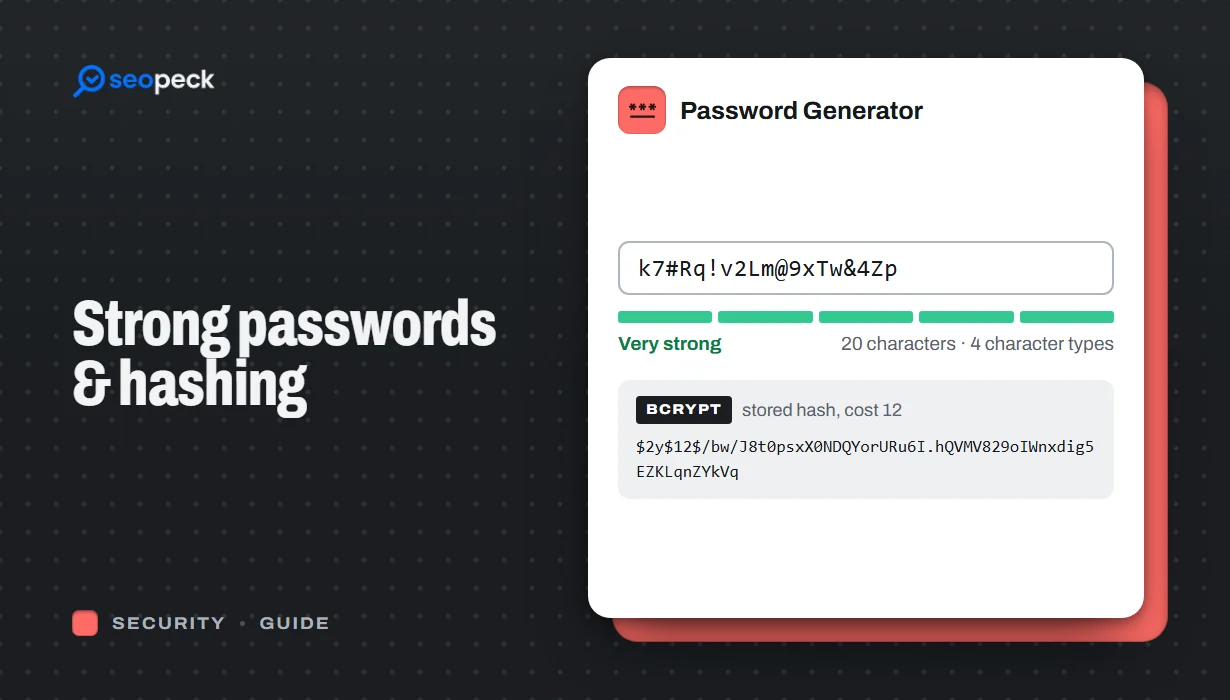 How to Create a Genuinely Strong Password (And What Sites Do With It)
What actually makes a password hard to crack, why length beats complexity, and how sites store passwords safely using hashing.
How to Create a Genuinely Strong Password (And What Sites Do With It)
What actually makes a password hard to crack, why length beats complexity, and how sites store passwords safely using hashing.
-
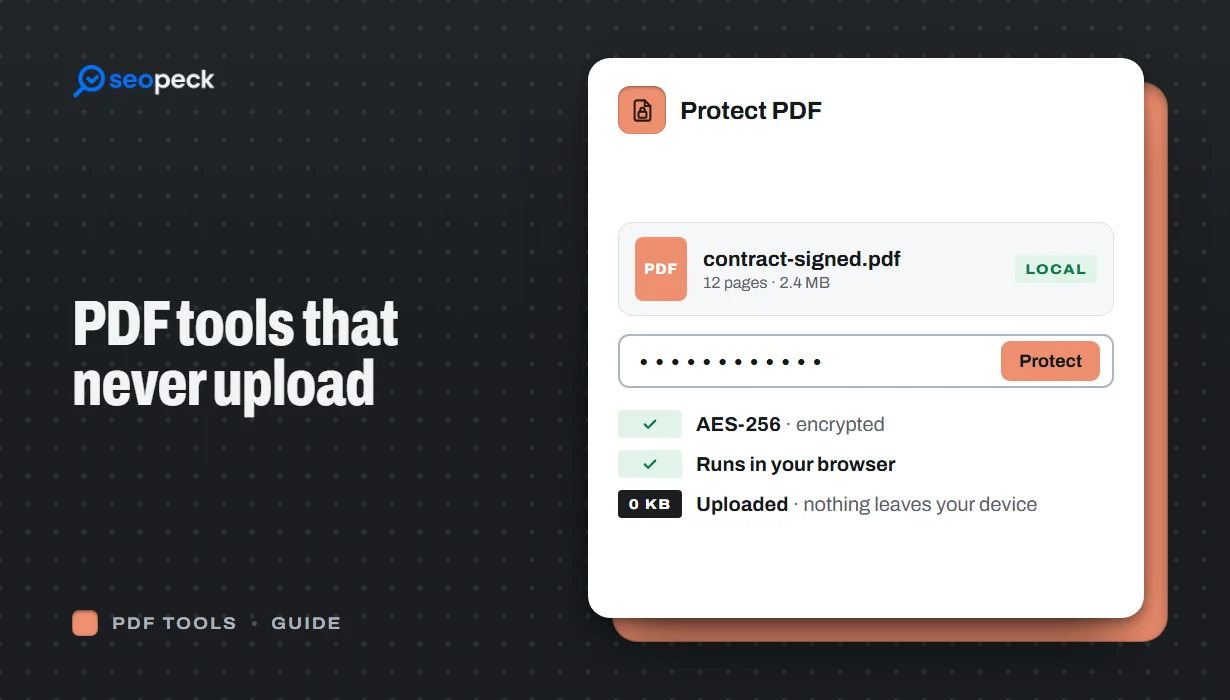 Free PDF Tools That Never Upload Your Files: Merge, Compress, Protect and More
Most online PDF tools send your document to someone else's server. Here is why that matters, and how to merge, split, compress, sign and password-protect PDFs entirely inside your browser instead.
Free PDF Tools That Never Upload Your Files: Merge, Compress, Protect and More
Most online PDF tools send your document to someone else's server. Here is why that matters, and how to merge, split, compress, sign and password-protect PDFs entirely inside your browser instead.
-
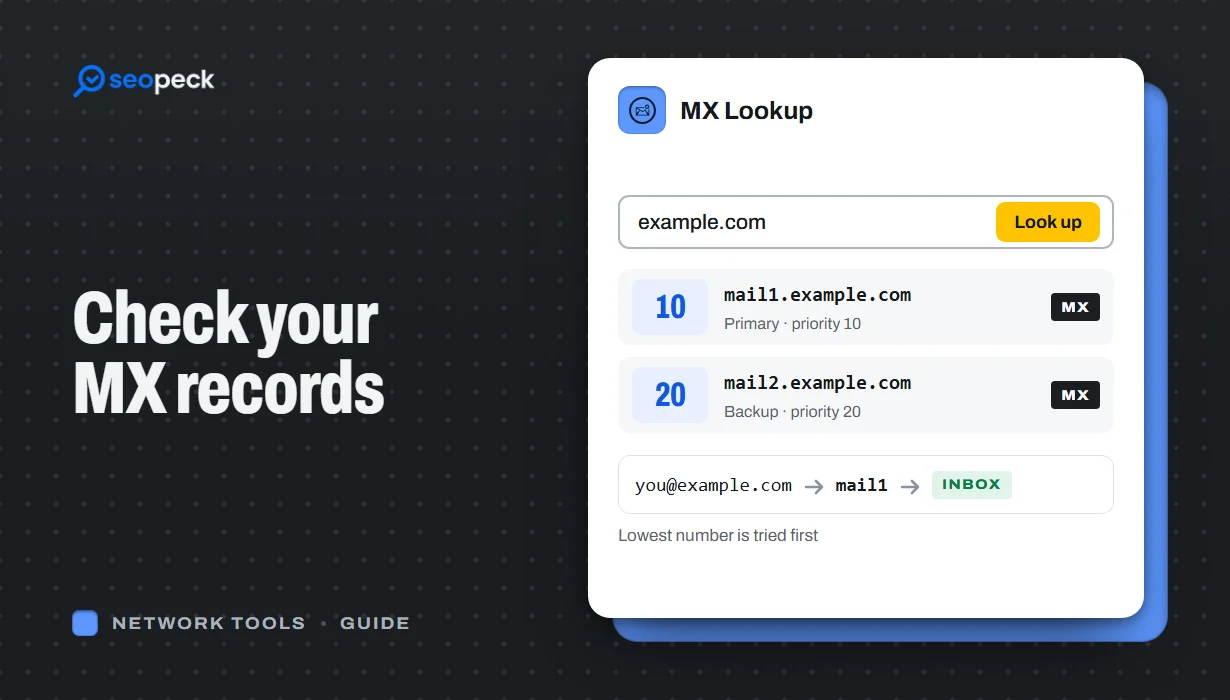 How to Check MX Records (and Fix Email That Isn't Arriving)
See any domain's MX records in seconds, online or with nslookup and dig, learn to read the priority numbers, and work through the checks that find out why email is not arriving.
How to Check MX Records (and Fix Email That Isn't Arriving)
See any domain's MX records in seconds, online or with nslookup and dig, learn to read the priority numbers, and work through the checks that find out why email is not arriving.
