
PNG to JPG
Convert PNG images to smaller JPG files in bulk, with a background colour for transparency.


PNG to JPG
PNG to JPG converts PNG images into JPG files, which are usually much smaller for photos and open everywhere. Convert up to 30 images at once, set the quality, and choose the colour that replaces transparent areas, since JPG has no transparency. Everything happens in your browser: your images are never uploaded.
How to convert PNG to JPG
- Choose your PNG files or drag them onto the page: up to 30 files of 50 MB each.
- Set the quality (92 by default) and the background colour for transparent parts (white by default).
- Download each JPG, or click Download all.
PNG or JPG: which should you use?
- Photos: JPG. A photo saved as PNG can be five to ten times larger than the same photo as a good-quality JPG.
- Screenshots, logos, text and flat graphics: PNG keeps sharp edges and transparency. Converting these to JPG can blur text slightly; if you need them smaller, use the Image Compressor, which shrinks PNGs while keeping them PNG.
- Websites: WebP is smaller than both; try PNG to WebP.
Our guide PNG vs JPG vs WebP explains the trade-offs in more detail.
When it comes in handy
- Getting photos saved as PNG under an email or upload size limit.
- Uploading to forms, marketplaces and print services that only accept JPG.
- Putting a logo on a solid background colour, ready for documents and slides.
Frequently asked questions
Why did my transparent background turn white?
JPG cannot store transparency, so transparent pixels are filled with the background colour. Pick another colour before converting, or keep the image as PNG.
Will the JPG be smaller?
For photos, much smaller. For simple graphics with few colours, a PNG can already be small, and the JPG may not save much.
Are my files uploaded?
No. The conversion runs in your browser; nothing is sent to a server.
Can I convert many files at once?
Yes, up to 30 per batch. Download them one by one or all together.
Related guides
-
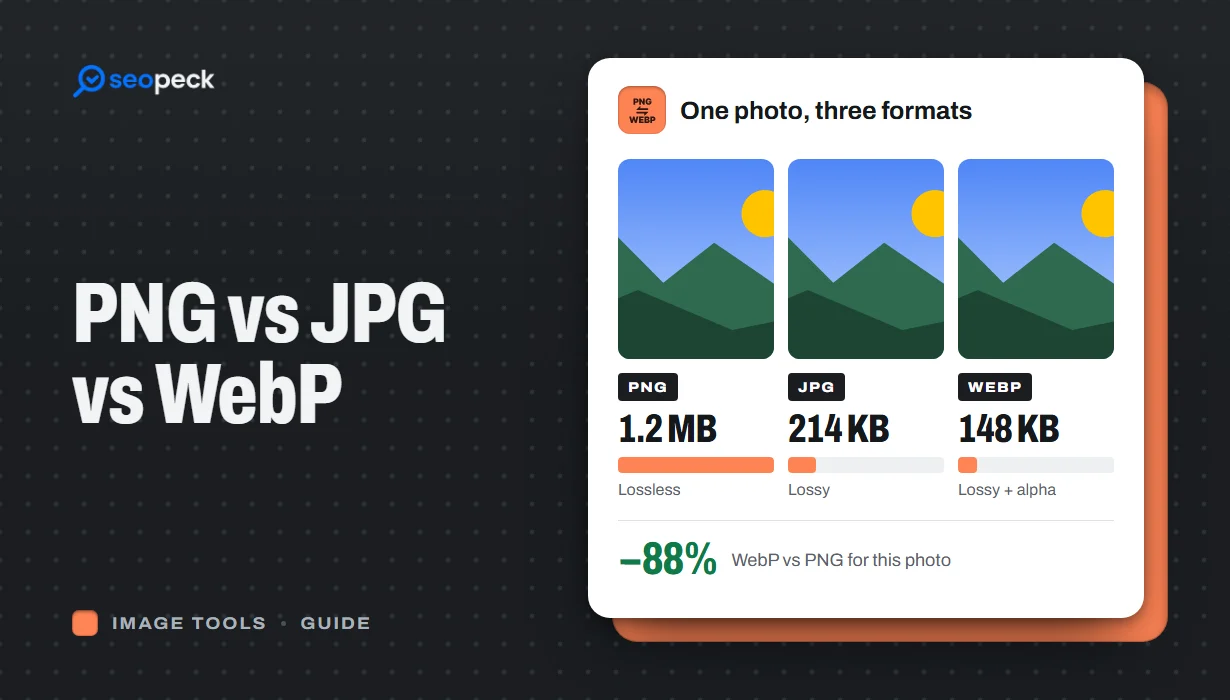 PNG vs JPG vs WebP: Which Image Format Should You Actually Use?
A plain-language comparison of PNG, JPG and WebP, with rules of thumb for choosing the right one and tools to convert between them.
PNG vs JPG vs WebP: Which Image Format Should You Actually Use?
A plain-language comparison of PNG, JPG and WebP, with rules of thumb for choosing the right one and tools to convert between them.
-
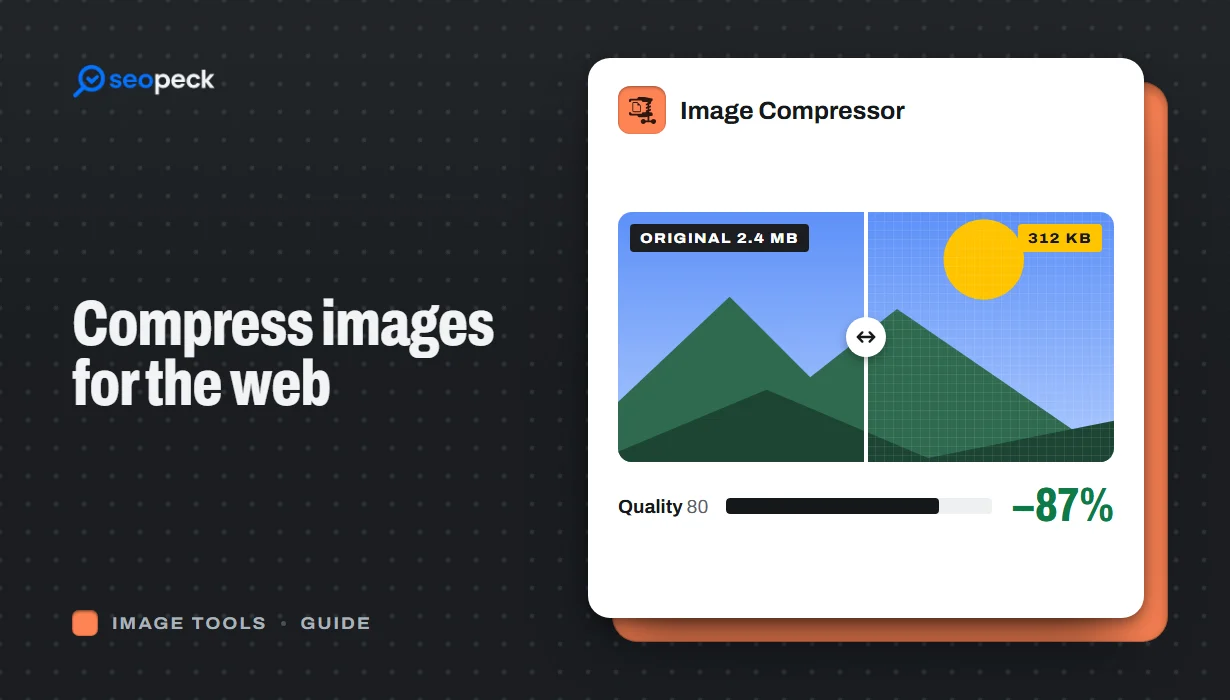 How to Compress Images for the Web Without Making Them Look Worse
Why images slow pages down, how to pick the right size, format and quality, and a quick workflow that keeps photos sharp and pages fast.
How to Compress Images for the Web Without Making Them Look Worse
Why images slow pages down, how to pick the right size, format and quality, and a quick workflow that keeps photos sharp and pages fast.
-
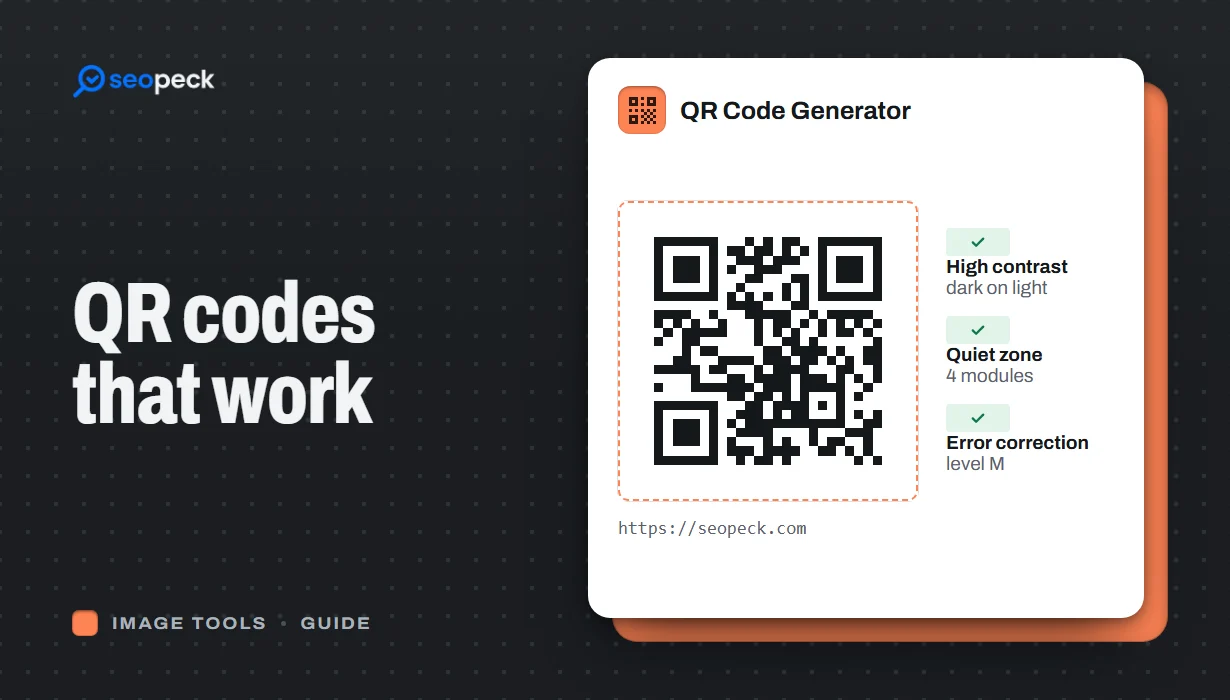 How to Make a QR Code That Actually Scans: Size, Contrast and Testing
Practical rules for creating QR codes that scan first time, in print and on screen: what to encode, how big to print, colours, quiet zones and testing.
How to Make a QR Code That Actually Scans: Size, Contrast and Testing
Practical rules for creating QR codes that scan first time, in print and on screen: what to encode, how big to print, colours, quiet zones and testing.
