
PNG to WEBP
Convert PNG images to smaller WebP files in bulk, with transparency kept, in your browser.


PNG to WEBP
PNG to WebP converts PNG images into WebP, the modern image format that keeps transparency while producing much smaller files. Convert up to 30 images at once, choose the quality, and download the results. Everything runs in your browser, so your images are never uploaded.
How to convert PNG to WebP
- Choose your PNG files or drag them onto the page: up to 30 files of 50 MB each.
- Set the quality: 92 by default; 75 to 85 gives smaller files that still look sharp on screen.
- Download each WebP, or click Download all.
Why use WebP on your website
- Smaller files: a WebP is usually a fraction of the size of the same PNG, which makes pages load faster and helps Largest Contentful Paint, one of Google's Core Web Vitals.
- Transparency kept: unlike JPG, WebP has an alpha channel, so logos, icons and product cut-outs keep their transparent background.
- Supported everywhere that matters: every current browser shows WebP, and WordPress, Shopify and most other platforms accept it.
Tips
- Keep your original PNG for editing; use the WebP on the website.
- Resize images to the size they are shown before converting: the Image Resizer for one image, or the Image Compressor, which can resize and save as WebP in one step.
- For screenshots with small text, keep the quality at 85 or more so the letters stay crisp.
When it comes in handy
- Speeding up a website by replacing heavy PNG graphics.
- Shrinking product cut-outs and logos while keeping transparent backgrounds.
- Meeting upload limits on platforms that accept WebP.
Frequently asked questions
Is transparency kept?
Yes. WebP supports transparency, so transparent areas of your PNG stay transparent.
Will the image lose quality?
At the default quality of 92, differences are practically invisible. Lower settings save more space; check the result before you replace your originals.
Are my images uploaded?
No. They are converted by your own browser and never leave your device.
Can I convert WebP back to PNG?
Yes, with WebP to PNG.
Related guides
-
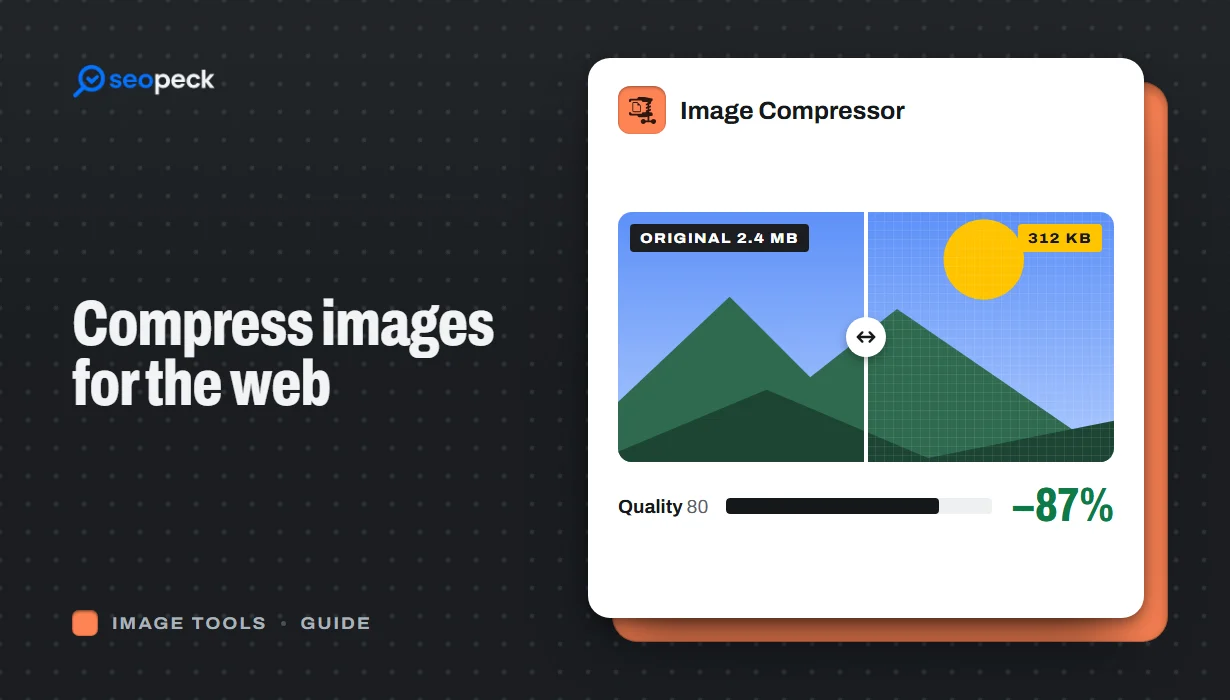 How to Compress Images for the Web Without Making Them Look Worse
Why images slow pages down, how to pick the right size, format and quality, and a quick workflow that keeps photos sharp and pages fast.
How to Compress Images for the Web Without Making Them Look Worse
Why images slow pages down, how to pick the right size, format and quality, and a quick workflow that keeps photos sharp and pages fast.
-
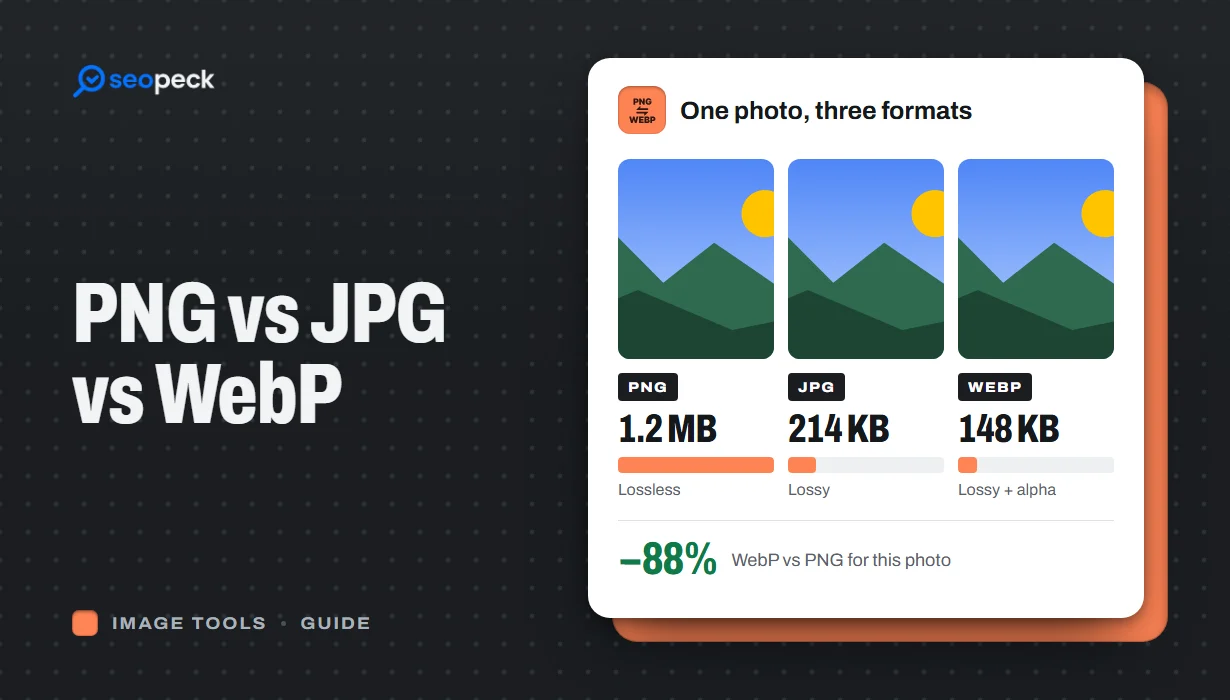 PNG vs JPG vs WebP: Which Image Format Should You Actually Use?
A plain-language comparison of PNG, JPG and WebP, with rules of thumb for choosing the right one and tools to convert between them.
PNG vs JPG vs WebP: Which Image Format Should You Actually Use?
A plain-language comparison of PNG, JPG and WebP, with rules of thumb for choosing the right one and tools to convert between them.
-
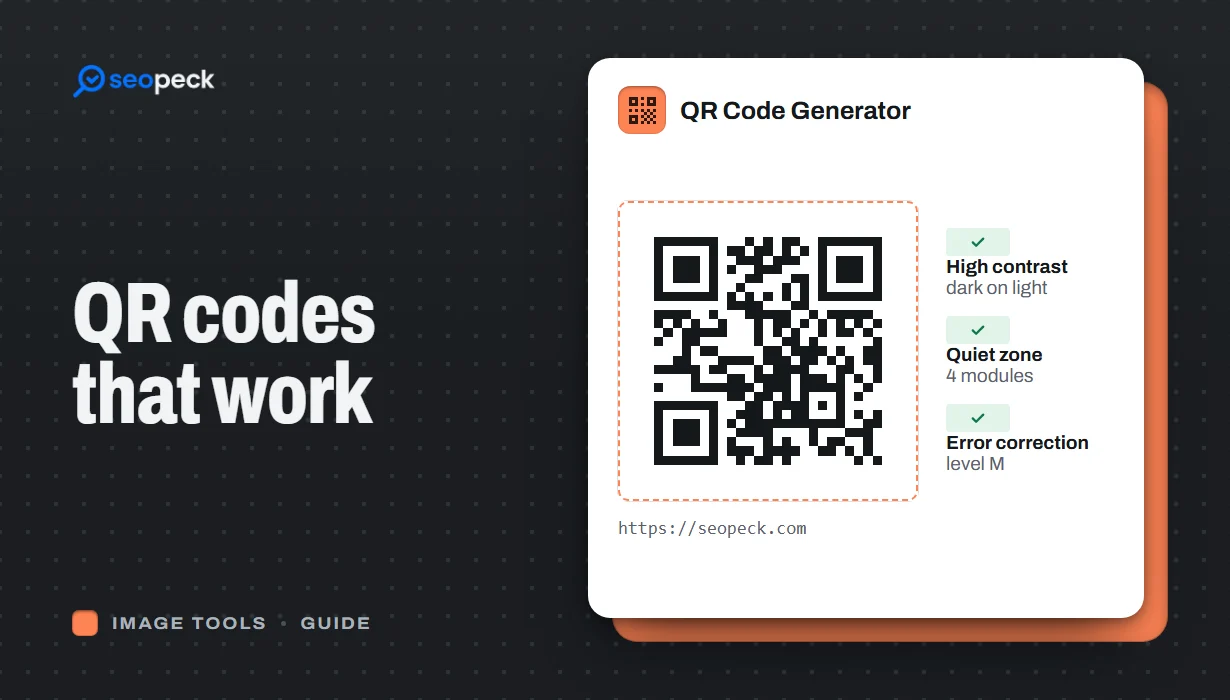 How to Make a QR Code That Actually Scans: Size, Contrast and Testing
Practical rules for creating QR codes that scan first time, in print and on screen: what to encode, how big to print, colours, quiet zones and testing.
How to Make a QR Code That Actually Scans: Size, Contrast and Testing
Practical rules for creating QR codes that scan first time, in print and on screen: what to encode, how big to print, colours, quiet zones and testing.
