
WEBP to PNG
Convert WebP images to lossless PNG in bulk, with transparency kept, in your browser.


WEBP to PNG
WebP to PNG converts WebP images into PNG, the lossless format that opens in virtually every editor and keeps transparent backgrounds intact. Convert up to 30 images at once and download them one by one or all together. The conversion runs in your browser, so nothing is uploaded.
How to convert WebP to PNG
- Choose your WebP files or drag them onto the page: up to 30 files of 50 MB each.
- Wait a moment while each image is converted.
- Download each PNG, or click Download all.
WebP to PNG or WebP to JPG?
- PNG for logos, icons, screenshots, graphics with text and anything with a transparent background. It is lossless, so it keeps the image exactly as it is.
- JPG for photos you want to share or upload, because the files are much smaller. Use WebP to JPG.
When it comes in handy
- Editing an image saved from a website in software that does not read WebP.
- Keeping a logo or cut-out with its transparent background in a widely supported format.
- Uploading to services, slide decks and documents that only accept PNG or JPG.
Why so many images are WebP now
Most large websites, including shops, news sites and image search results, now send WebP to browsers that support it, because the files are smaller and pages load faster. When you right-click and save an image, you often get that WebP version, even if the site's original was a PNG or JPG. Converting it back to PNG is the simplest way to use it in programs that expect the older formats. Remember that images you find online are usually protected by copyright, so check that you are allowed to reuse them.
Tips
- If the PNG is too large for your needs, shrink it with the Image Compressor, which keeps transparency.
- To remove the background from the converted image, the Background Remover saves a transparent PNG directly.
Frequently asked questions
Is transparency kept?
Why is the PNG bigger than the WebP?
Does it work with animated WebP?
Are my images uploaded?
Related guides
-
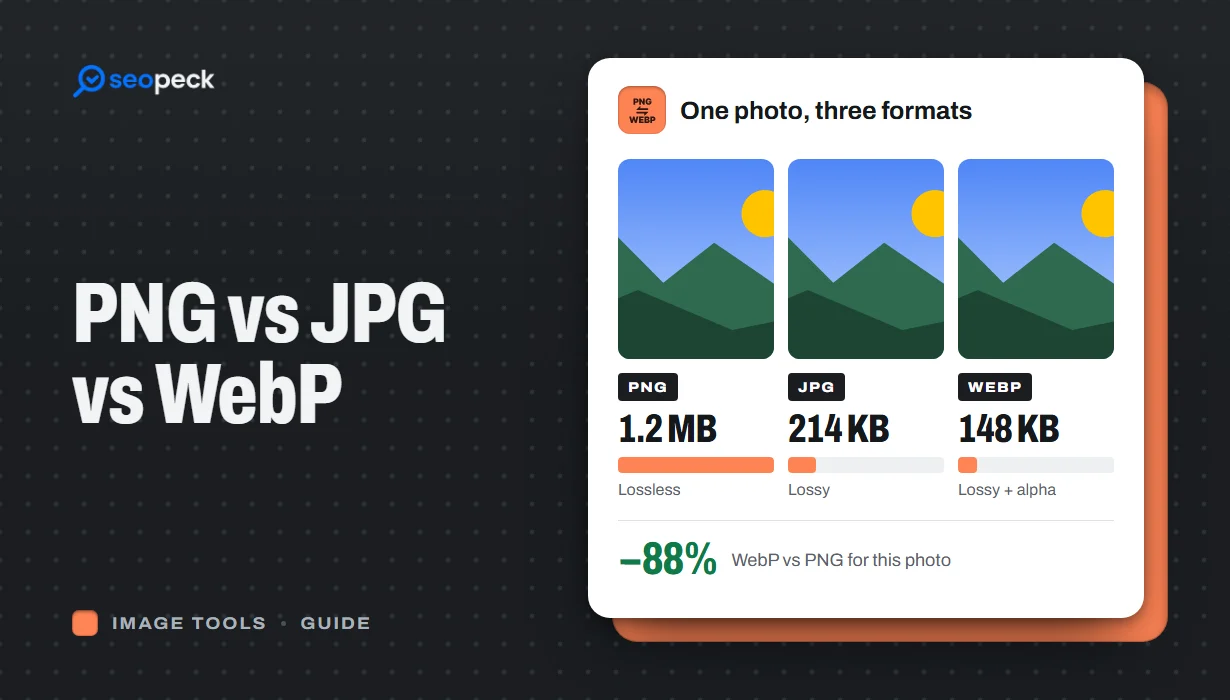 PNG vs JPG vs WebP: Which Image Format Should You Actually Use?
A plain-language comparison of PNG, JPG and WebP, with rules of thumb for choosing the right one and tools to convert between them.
PNG vs JPG vs WebP: Which Image Format Should You Actually Use?
A plain-language comparison of PNG, JPG and WebP, with rules of thumb for choosing the right one and tools to convert between them.
-
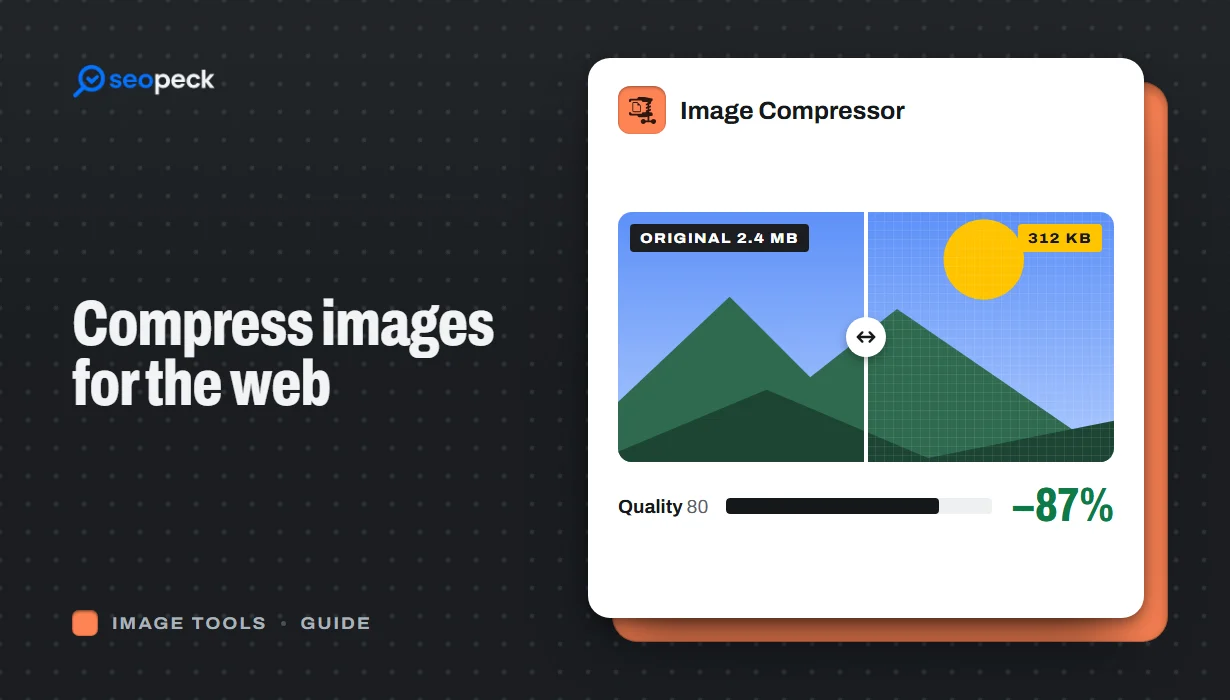 How to Compress Images for the Web Without Making Them Look Worse
Why images slow pages down, how to pick the right size, format and quality, and a quick workflow that keeps photos sharp and pages fast.
How to Compress Images for the Web Without Making Them Look Worse
Why images slow pages down, how to pick the right size, format and quality, and a quick workflow that keeps photos sharp and pages fast.
-
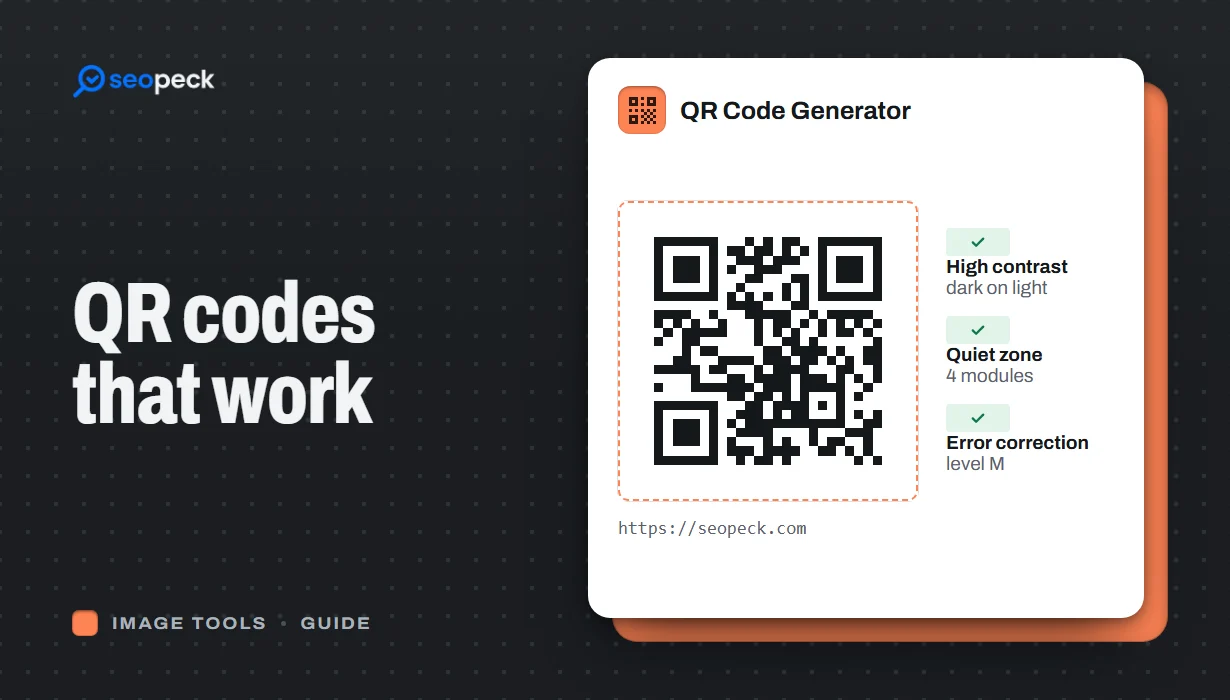 How to Make a QR Code That Actually Scans: Size, Contrast and Testing
Practical rules for creating QR codes that scan first time, in print and on screen: what to encode, how big to print, colours, quiet zones and testing.
How to Make a QR Code That Actually Scans: Size, Contrast and Testing
Practical rules for creating QR codes that scan first time, in print and on screen: what to encode, how big to print, colours, quiet zones and testing.
