
Image Resizer
Scale an image to exact pixel dimensions, with the option to keep its proportions.
Edited in your browser. Your photo is never uploaded.
No photo to hand? (1600 × 1067 JPG, 0.3 MB)
Your last settings are kept in this browser.


Image Resizer
Image Resizer changes the width and height of a JPG, PNG or WebP image to exactly the size you need. Type the new width or height in pixels, keep the proportions locked so the image does not stretch, and download the result in the same format as the original. The image is resized in your browser and is never uploaded.
How to resize an image
- Choose a JPG, PNG or WebP image, or drag it onto the page. Its current size appears in the width and height boxes.
- Type the new width or height. With Maintain aspect ratio on, the other side updates automatically. To plan a size first, the Aspect Ratio Calculator works out any missing side.
- Click the resize button and download the image.
Common sizes
- Website hero or blog header: 1920 px wide for full-width banners, 1200 px for content images.
- Social media: 1080 × 1080 px for an Instagram square post, 1200 × 630 px for Facebook and LinkedIn link previews, 1280 × 720 px for a YouTube thumbnail.
- Email: about 600 px wide fits most email layouts.
- Profile pictures: 400 × 400 px is enough for most platforms.
Tips
- Make images smaller, not bigger. Enlarging stretches the existing pixels and looks soft, so start from the largest original you have.
- To change the shape, for example from a wide photo to a square, crop first with the Image Cropper and then resize, so nothing gets squashed.
- After resizing, run the image through the Image Compressor: smaller dimensions plus compression give the smallest files, and the compressor can resize many images at once by their longest side.
When it comes in handy
- Meeting exact size rules for passport-style photos, online forms and marketplaces.
- Making website images match the space they fill, which speeds up the page.
- Shrinking large phone photos before sending them by email or chat.
Frequently asked questions
Does resizing reduce the file size?
Yes, making an image smaller in pixels makes the file smaller too, often dramatically: halving both sides leaves a quarter of the pixels.
Which format will I get?
The same format you uploaded: a JPG stays JPG, a PNG stays PNG (with transparency), a WebP stays WebP. To change format, use a converter such as PNG to JPG.
Why does my image look stretched?
The aspect ratio lock was off and the new width and height had different proportions from the original. Turn the lock on, or crop first.
Is my image uploaded?
No. It is resized by your own browser and stays on your device.
Related guides
-
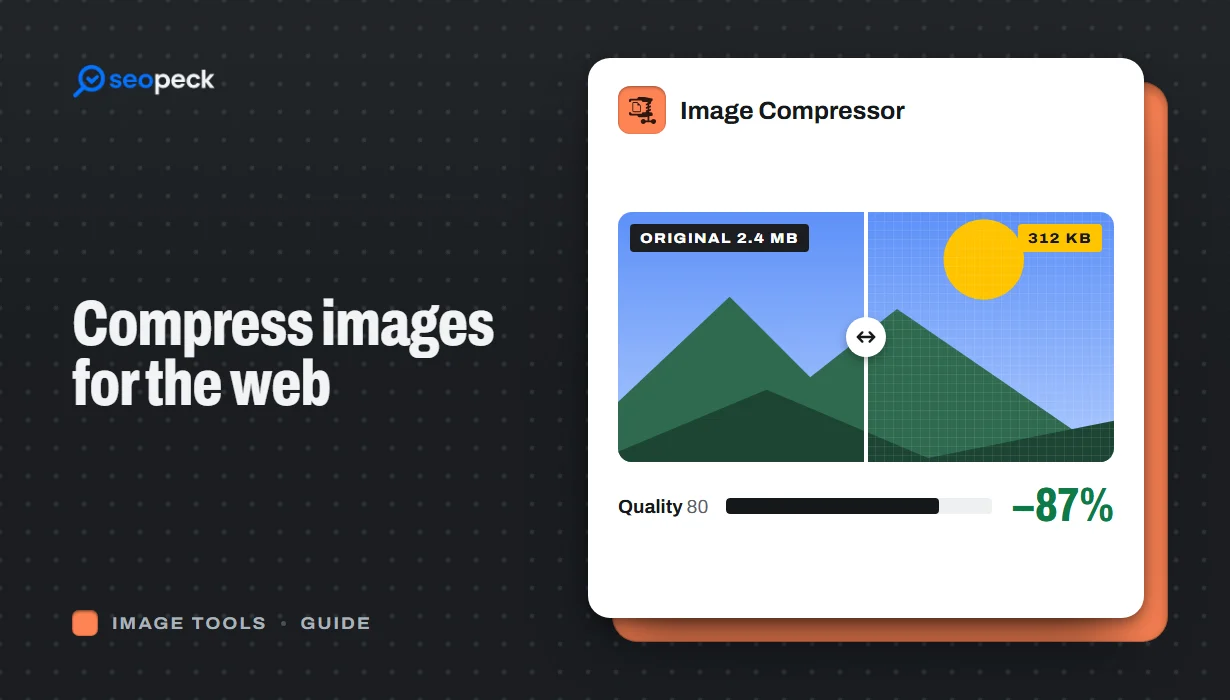 How to Compress Images for the Web Without Making Them Look Worse
Why images slow pages down, how to pick the right size, format and quality, and a quick workflow that keeps photos sharp and pages fast.
How to Compress Images for the Web Without Making Them Look Worse
Why images slow pages down, how to pick the right size, format and quality, and a quick workflow that keeps photos sharp and pages fast.
-
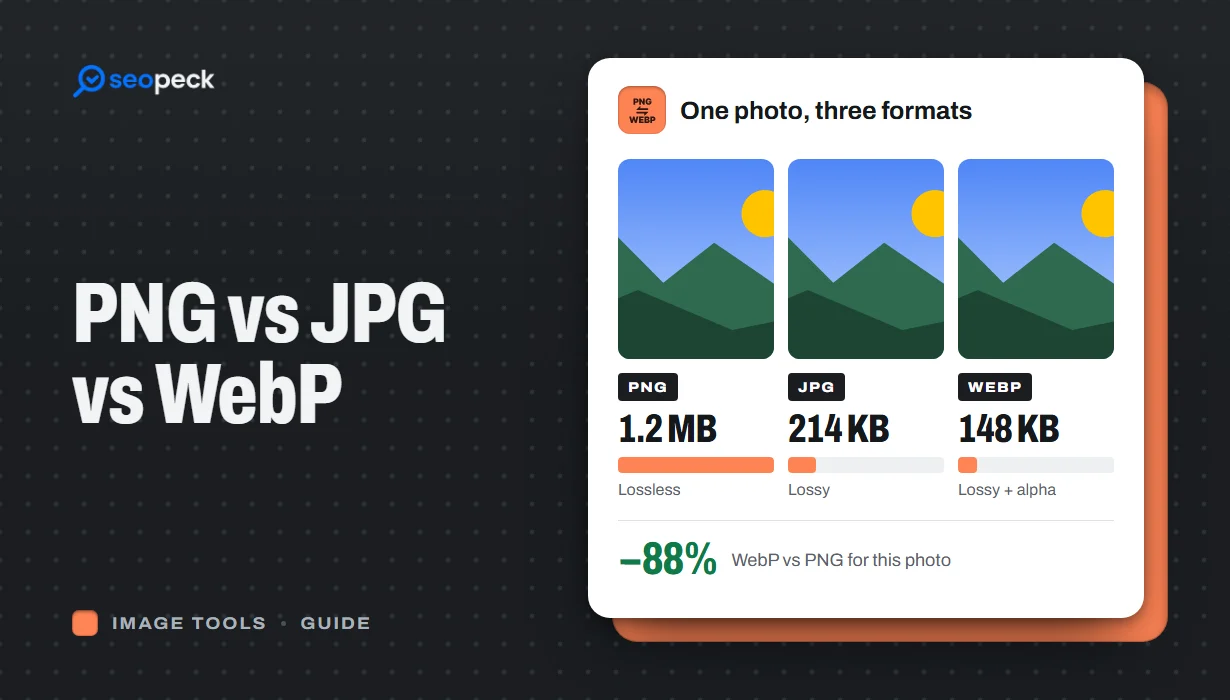 PNG vs JPG vs WebP: Which Image Format Should You Actually Use?
A plain-language comparison of PNG, JPG and WebP, with rules of thumb for choosing the right one and tools to convert between them.
PNG vs JPG vs WebP: Which Image Format Should You Actually Use?
A plain-language comparison of PNG, JPG and WebP, with rules of thumb for choosing the right one and tools to convert between them.
-
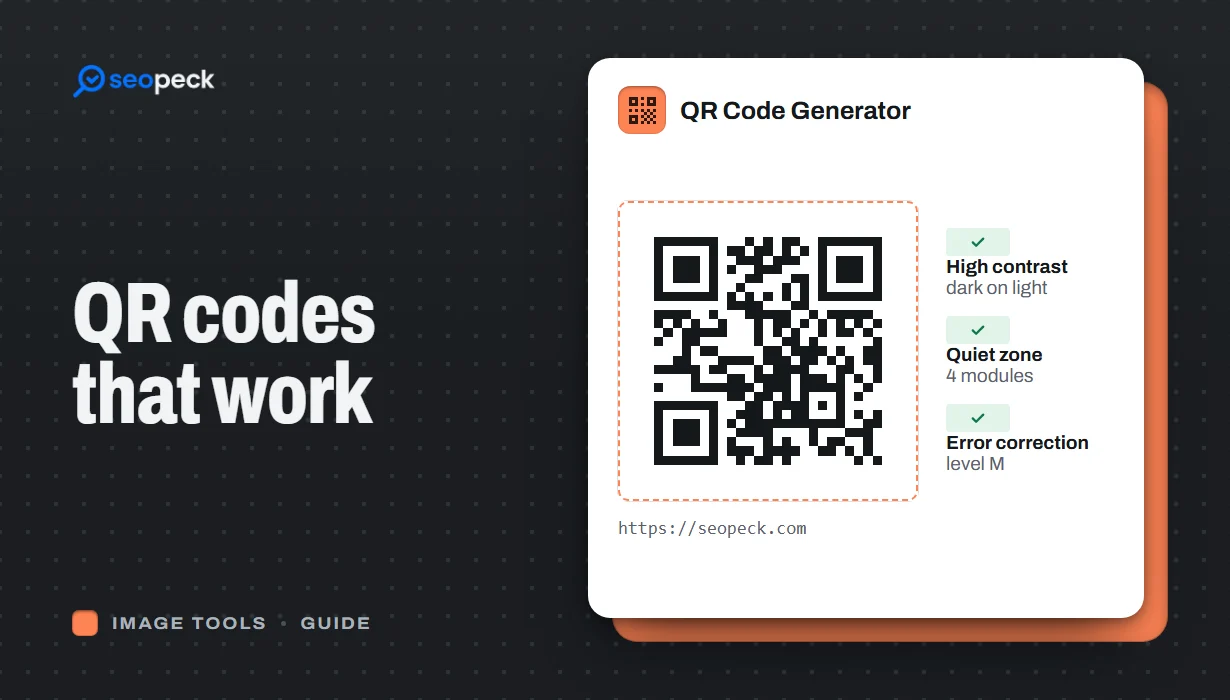 How to Make a QR Code That Actually Scans: Size, Contrast and Testing
Practical rules for creating QR codes that scan first time, in print and on screen: what to encode, how big to print, colours, quiet zones and testing.
How to Make a QR Code That Actually Scans: Size, Contrast and Testing
Practical rules for creating QR codes that scan first time, in print and on screen: what to encode, how big to print, colours, quiet zones and testing.
