
WEBP to JPG
Convert WebP images to JPG in bulk, up to 30 at once, privately in your browser.


WEBP to JPG
WebP to JPG converts WebP images into JPG, the format that opens everywhere: older photo editors, Windows Photo Viewer, print shops, email clients and websites that refuse WebP uploads. Convert up to 30 images at once, choose the quality, and pick the colour that fills transparent areas. The conversion runs in your browser, so your images are never uploaded.
How to convert WebP to JPG
- Choose your WebP files or drag them onto the page: up to 30 files of 50 MB each.
- Adjust the quality if you want smaller files (92 by default) and the background colour for transparent areas (white by default).
- Click Download next to each image, or Download all.
Why WebP files need converting
Google created WebP to make web images smaller, and most websites now serve it, so images you save from a browser often arrive as .webp. Current browsers open it, but many other programs and upload forms still expect JPG or PNG. Converting to JPG is the quickest fix when something says "unsupported file format".
Choosing a quality
- 90 to 100: no visible difference from the WebP. Best for printing and editing.
- 75 to 85: smaller files that look the same on screen. Good for email and uploads with a size limit.
- JPG is usually larger than the WebP it came from, because WebP compresses better. That is normal.
When it comes in handy
- Opening images saved from websites in Photoshop versions, Word or other programs that do not read WebP.
- Uploading product photos or documents to forms that only accept JPG.
- Sending photos to a print shop.
Need transparency kept? Use WebP to PNG instead. Going the other way, JPG to WebP makes images smaller for your own website.
Frequently asked questions
Are my images uploaded?
What happens to transparent areas?
Does it work with animated WebP?
Is quality lost?
Related guides
-
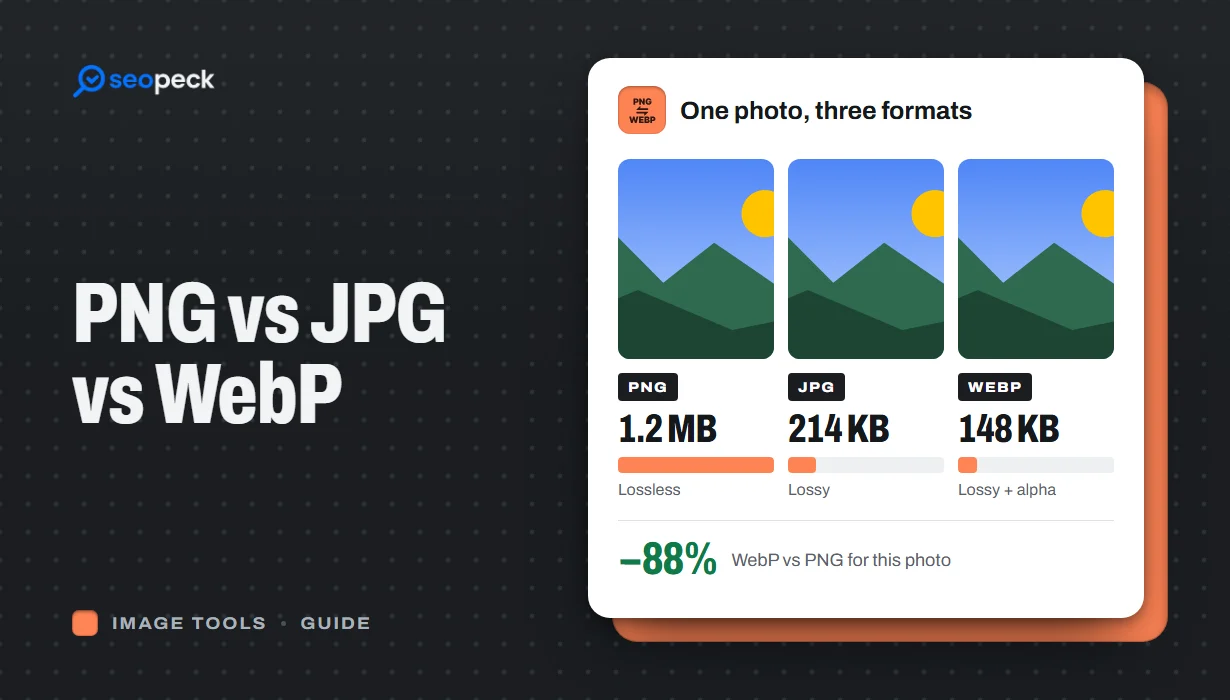 PNG vs JPG vs WebP: Which Image Format Should You Actually Use?
A plain-language comparison of PNG, JPG and WebP, with rules of thumb for choosing the right one and tools to convert between them.
PNG vs JPG vs WebP: Which Image Format Should You Actually Use?
A plain-language comparison of PNG, JPG and WebP, with rules of thumb for choosing the right one and tools to convert between them.
-
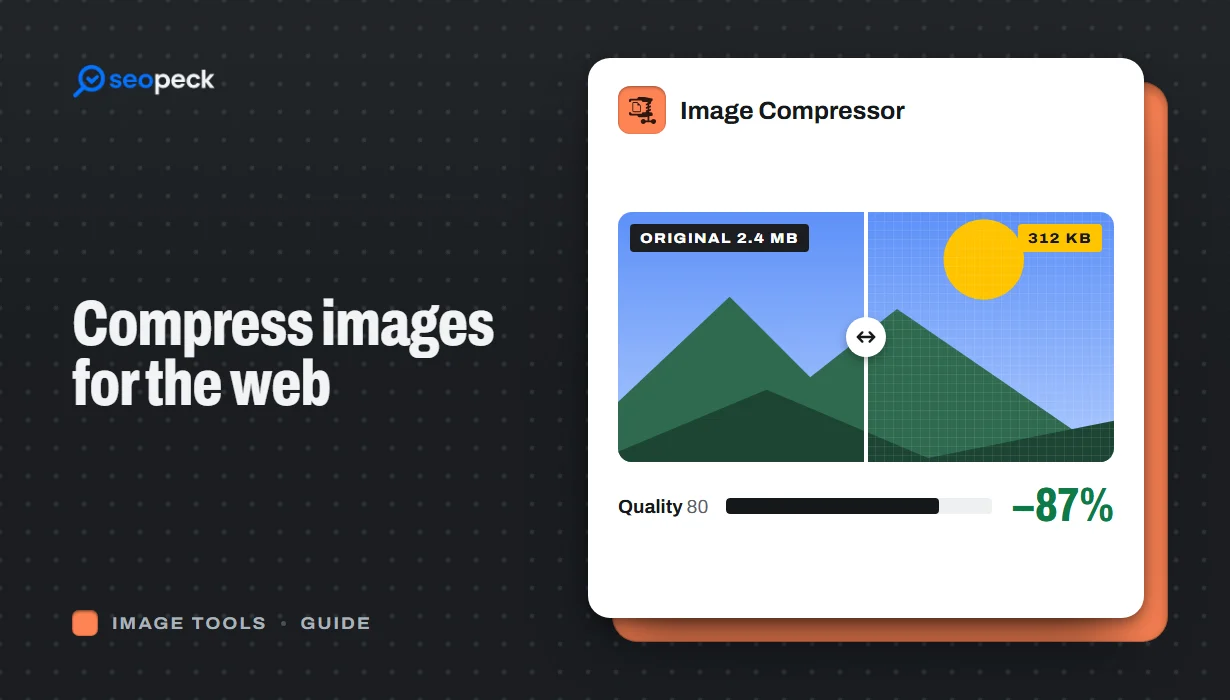 How to Compress Images for the Web Without Making Them Look Worse
Why images slow pages down, how to pick the right size, format and quality, and a quick workflow that keeps photos sharp and pages fast.
How to Compress Images for the Web Without Making Them Look Worse
Why images slow pages down, how to pick the right size, format and quality, and a quick workflow that keeps photos sharp and pages fast.
-
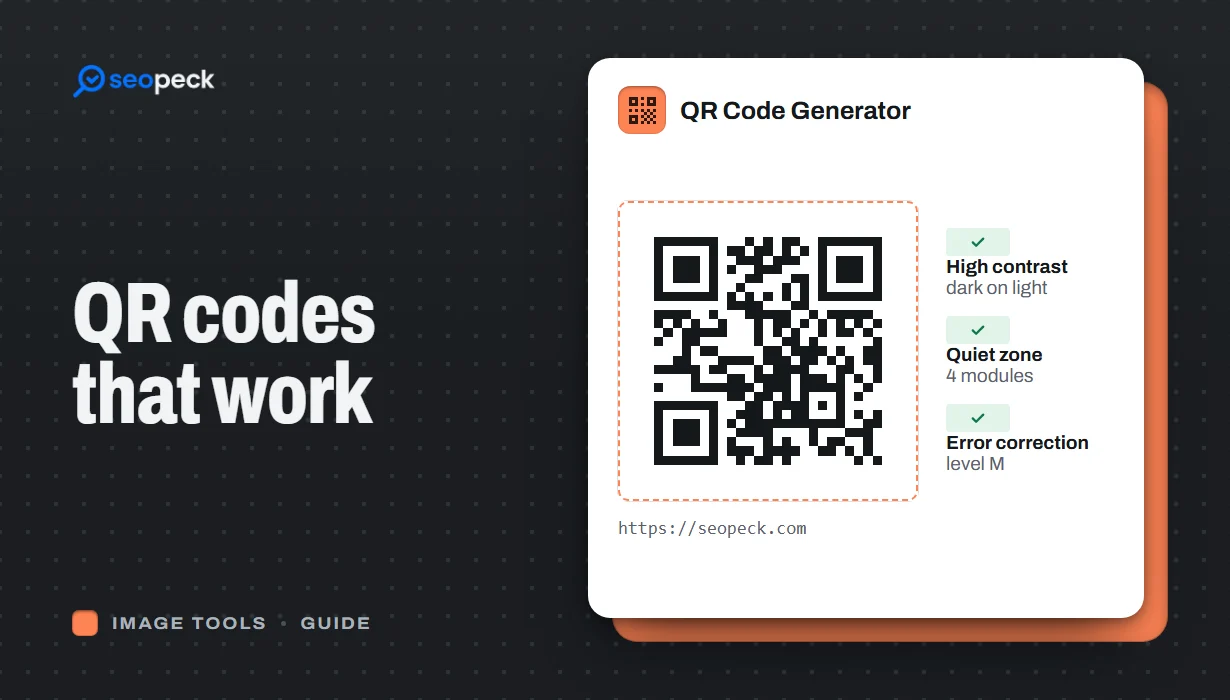 How to Make a QR Code That Actually Scans: Size, Contrast and Testing
Practical rules for creating QR codes that scan first time, in print and on screen: what to encode, how big to print, colours, quiet zones and testing.
How to Make a QR Code That Actually Scans: Size, Contrast and Testing
Practical rules for creating QR codes that scan first time, in print and on screen: what to encode, how big to print, colours, quiet zones and testing.
