
JPG to WEBP
Convert JPG photos to smaller WebP images in bulk, up to 30 at once, in your browser.


JPG to WEBP
JPG to WebP converts JPG and JPEG photos into WebP, which usually gives noticeably smaller files at the same visual quality. Smaller images make web pages load faster, so this is one of the quickest wins for site speed. Convert up to 30 photos at once in your browser; nothing is uploaded.
How to convert JPG to WebP
- Choose your JPG or JPEG files, or drag them onto the page: up to 30 files of 50 MB each.
- Set the quality: 92 by default; 75 to 85 is a good balance for website photos.
- Compare the sizes shown, then download each WebP or click Download all.
How much smaller will my images be?
Google's own tests found WebP files about 25 to 34% smaller than JPEGs of the same quality. In practice, photos straight from a camera or phone, saved as high-quality JPG, often shrink even more, while JPGs that were already heavily compressed shrink less. The converter shows each file's new size, so you can see the saving straight away.
Tips for website images
- Resize photos to the width they are shown at, usually 1200 to 1920 px, before or while converting; the Image Compressor does both in one step.
- Keep the original JPGs as your master copies.
- Most CMSs and page builders accept WebP uploads directly; if yours does not, many can serve WebP automatically through an image plugin.
When it comes in handy
- Improving page speed and Core Web Vitals on image-heavy pages.
- Making blog, product and gallery photos lighter without visible loss.
- Reducing storage and bandwidth for a website or app.
Frequently asked questions
Do all browsers support WebP?
Every current version of Chrome, Edge, Firefox, Safari and Opera does. Only very old software, such as some older desktop photo programs, cannot open it.
Is quality lost?
WebP is lossy like JPG, but at quality 80 or more the difference is very hard to see. Use the original JPG for printing.
Are my photos uploaded?
No. The conversion happens in your browser and your photos stay on your device.
Can I convert back?
Yes, with WebP to JPG, although converting twice adds a little more compression loss.
Related guides
-
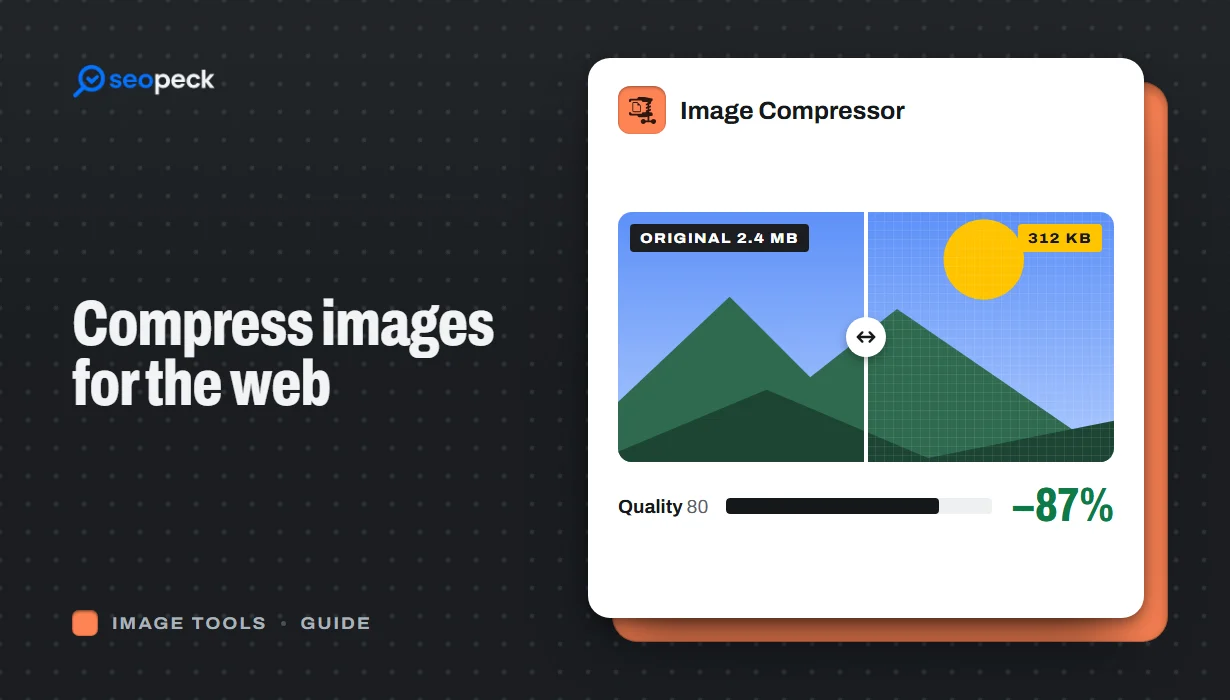 How to Compress Images for the Web Without Making Them Look Worse
Why images slow pages down, how to pick the right size, format and quality, and a quick workflow that keeps photos sharp and pages fast.
How to Compress Images for the Web Without Making Them Look Worse
Why images slow pages down, how to pick the right size, format and quality, and a quick workflow that keeps photos sharp and pages fast.
-
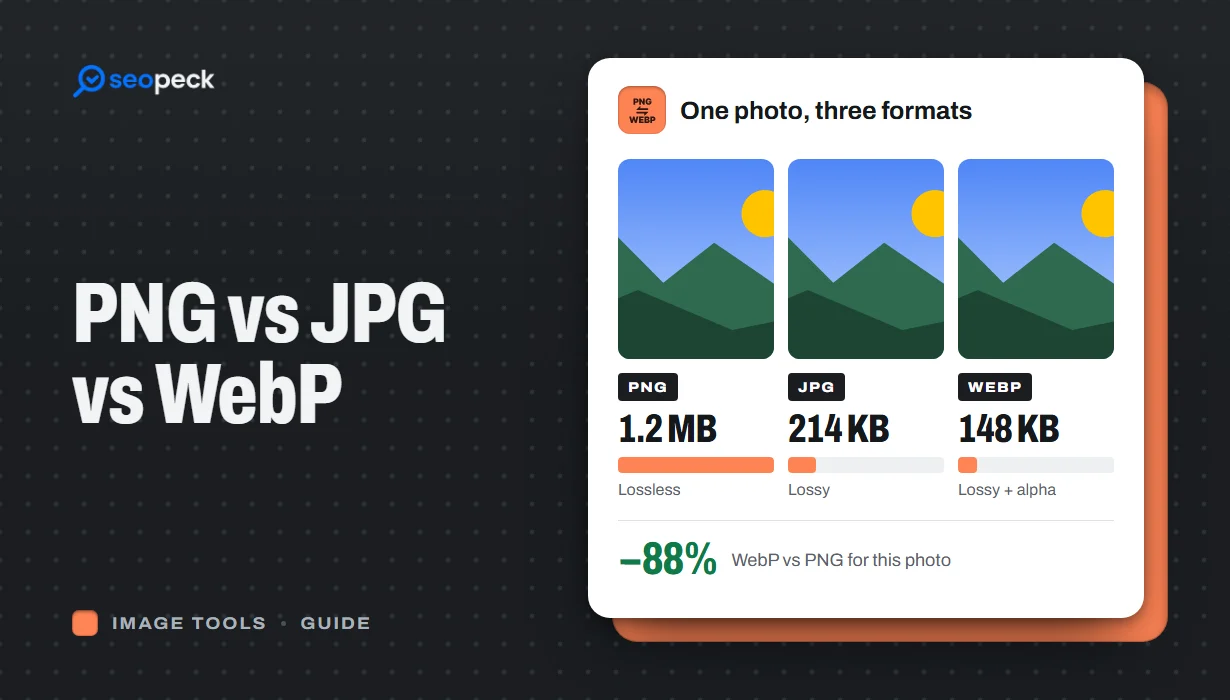 PNG vs JPG vs WebP: Which Image Format Should You Actually Use?
A plain-language comparison of PNG, JPG and WebP, with rules of thumb for choosing the right one and tools to convert between them.
PNG vs JPG vs WebP: Which Image Format Should You Actually Use?
A plain-language comparison of PNG, JPG and WebP, with rules of thumb for choosing the right one and tools to convert between them.
-
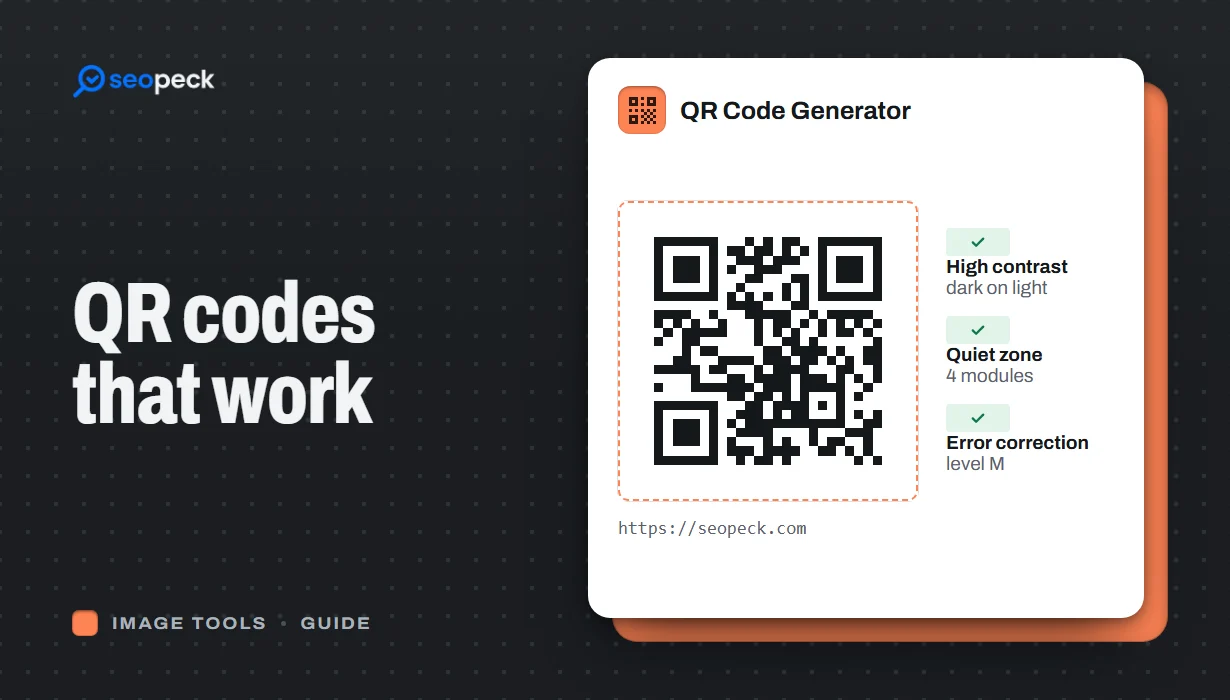 How to Make a QR Code That Actually Scans: Size, Contrast and Testing
Practical rules for creating QR codes that scan first time, in print and on screen: what to encode, how big to print, colours, quiet zones and testing.
How to Make a QR Code That Actually Scans: Size, Contrast and Testing
Practical rules for creating QR codes that scan first time, in print and on screen: what to encode, how big to print, colours, quiet zones and testing.
