

EXIF Data Remover
Cleaned in your browser. The picture itself is not re-compressed, so the quality stays exactly the same.


EXIF Data Remover
Photos from phones and cameras carry hidden EXIF metadata: the exact GPS location, the date and time, and the camera and phone model. Sharing the original file can reveal where you live. This tool shows what a photo contains and removes it without re-encoding the image, so the quality stays exactly the same.
How to use EXIF Data Remover
- Choose one or more photos (JPG, PNG or WebP).
- See which metadata each photo contains, including whether it has a location.
- Keep the colour profile ticked (it holds no personal data) and download the cleaned photos.
When it comes in handy
- Selling items online without revealing your home address.
- Sharing photos of your children or home privately.
- Removing camera details before publishing photos on a website.
Frequently asked questions
Is the image quality reduced?
No. The metadata sections are cut out of the file and the image data itself is copied unchanged.
Do social networks remove EXIF anyway?
Most large networks strip location when you post, but files sent by email, messaging apps as documents, or uploaded to websites and marketplaces often keep it.
Can I add a location instead?
Yes, the Image Geotagger adds GPS data to photos.
Related guides
-
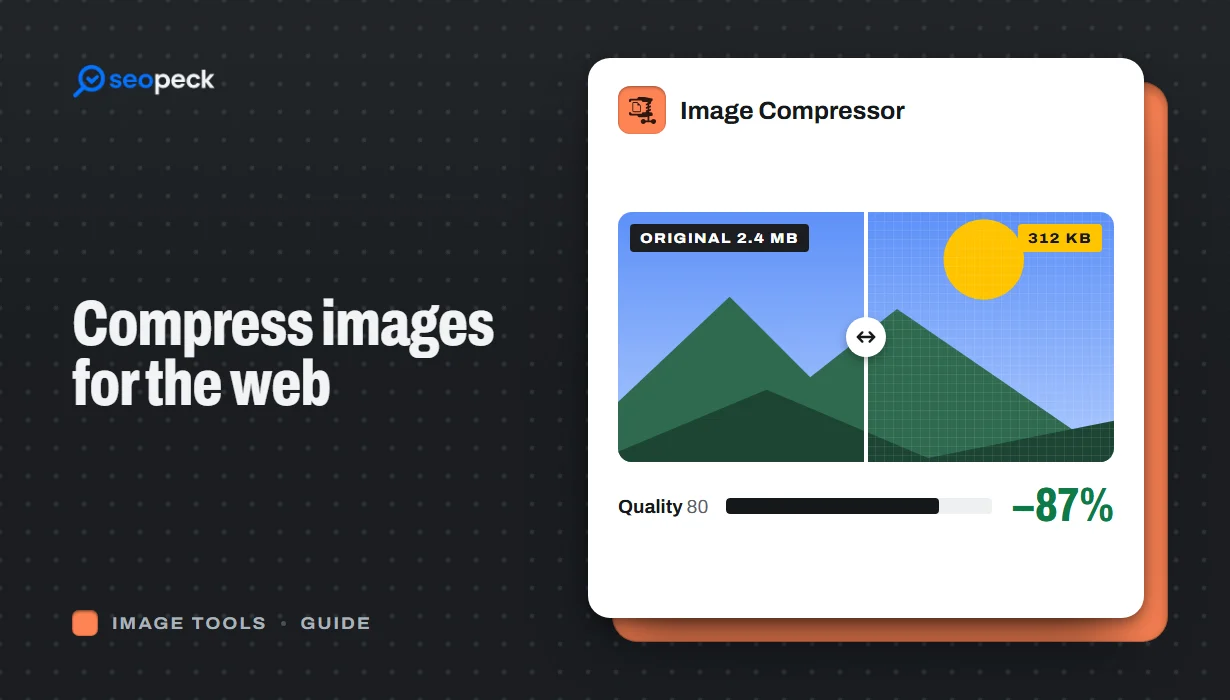 How to Compress Images for the Web Without Making Them Look Worse
Why images slow pages down, how to pick the right size, format and quality, and a quick workflow that keeps photos sharp and pages fast.
-
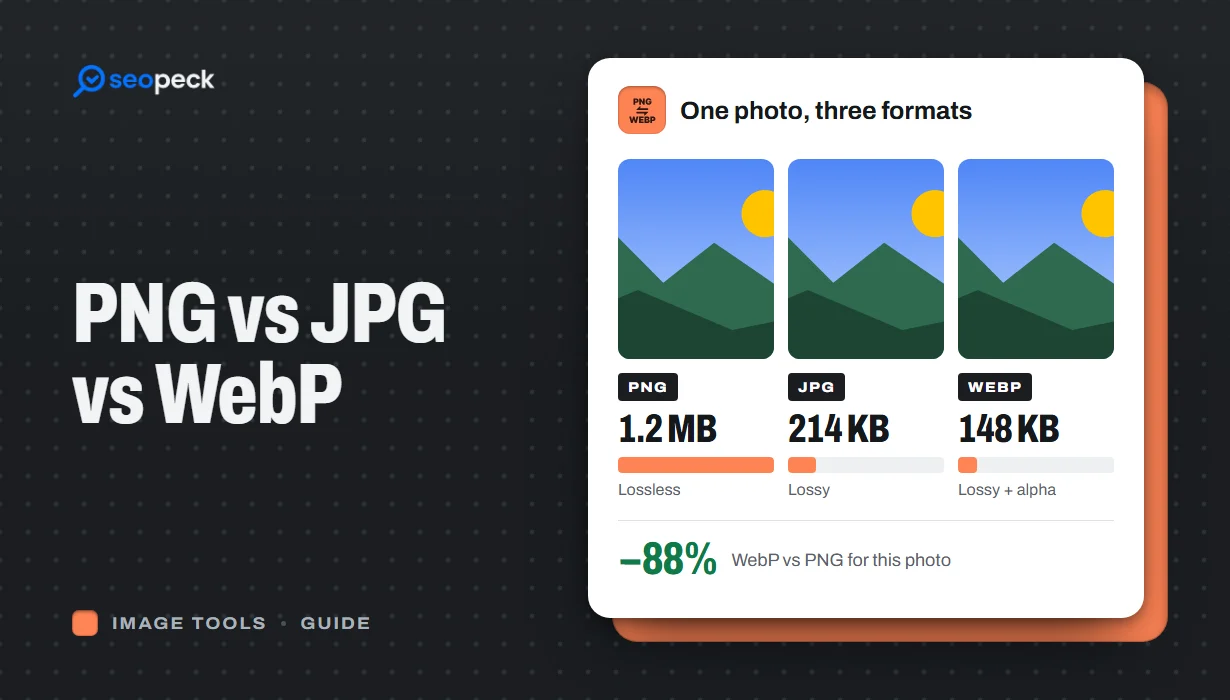 PNG vs JPG vs WebP: Which Image Format Should You Actually Use?
A plain-language comparison of PNG, JPG and WebP, with rules of thumb for choosing the right one and tools to convert between them.
-
 How to Make a QR Code That Actually Scans: Size, Contrast and Testing
Practical rules for creating QR codes that scan first time, in print and on screen: what to encode, how big to print, colours, quiet zones and testing.