
QR Code Generator
Turn a link into a QR code that any phone camera can scan, ready to download.
Enter something to encode first, then press Generate QR Code.


QR Code Generator
A QR code turns a web address into a square that any phone camera can scan. Enter a URL and the code appears immediately, ready to be saved or printed.
How to use QR Code Generator
- Type or paste the URL into the field.
- The QR code is generated on the page. Check that it scans with your phone.
- Download the code and use it in print, slides or packaging.
When it comes in handy
- Linking printed flyers, menus and business cards to a web page.
- Sharing a link on a presentation slide so people can open it on their phones.
- Adding a quick route from product packaging to a support or review page.
Frequently asked questions
Does the code expire?
No. The code simply contains your text, so it works for as long as the destination page exists.
What should I check before printing?
Scan the printed proof with more than one phone, keep a quiet white margin around the code, and do not shrink it so small that cameras struggle.
Related guides
-
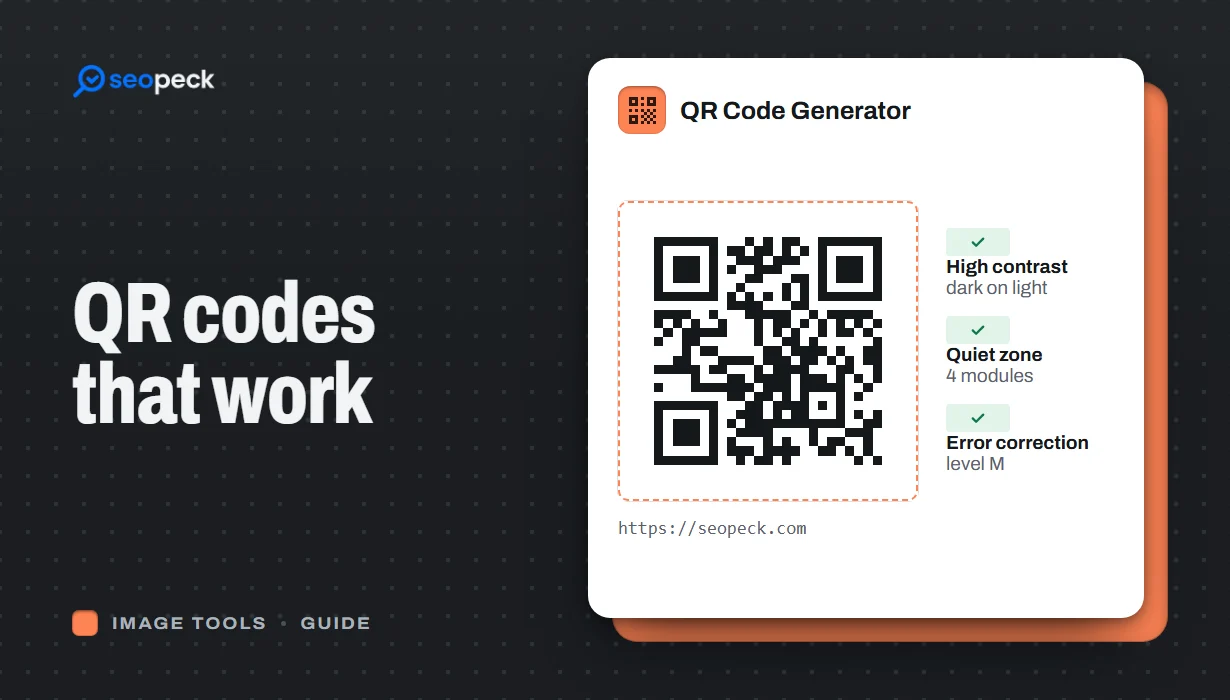 How to Make a QR Code That Actually Scans: Size, Contrast and Testing
Practical rules for creating QR codes that scan first time, in print and on screen: what to encode, how big to print, colours, quiet zones and testing.
How to Make a QR Code That Actually Scans: Size, Contrast and Testing
Practical rules for creating QR codes that scan first time, in print and on screen: what to encode, how big to print, colours, quiet zones and testing.
-
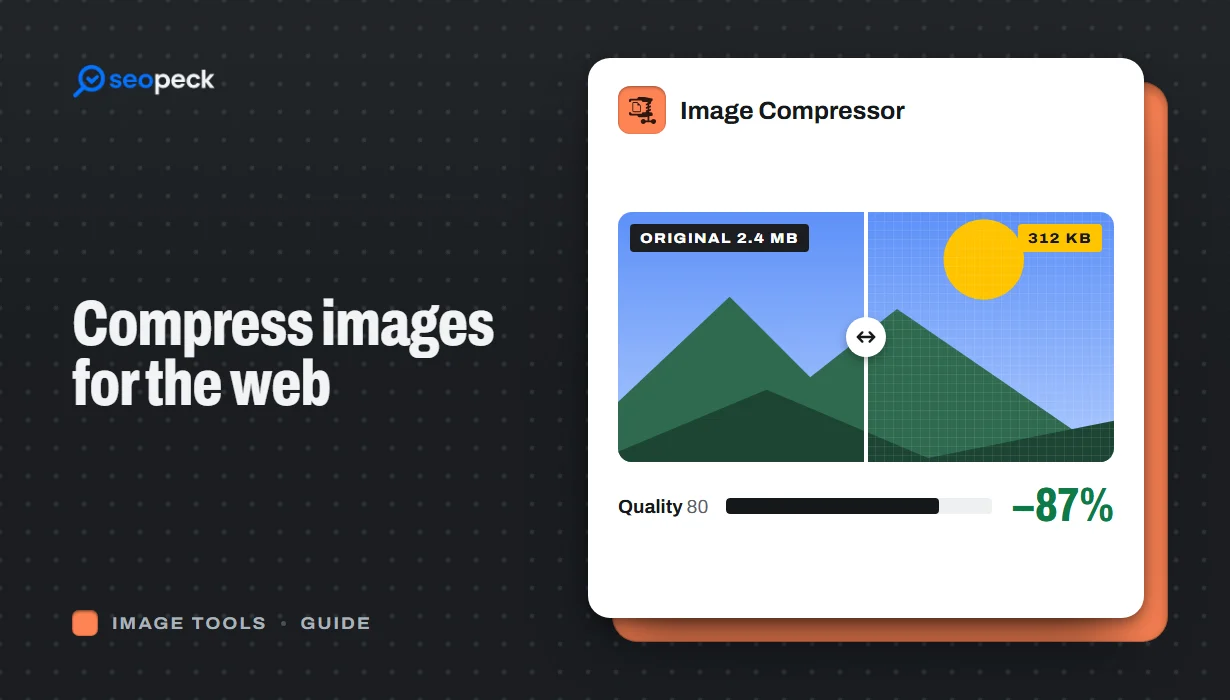 How to Compress Images for the Web Without Making Them Look Worse
Why images slow pages down, how to pick the right size, format and quality, and a quick workflow that keeps photos sharp and pages fast.
How to Compress Images for the Web Without Making Them Look Worse
Why images slow pages down, how to pick the right size, format and quality, and a quick workflow that keeps photos sharp and pages fast.
-
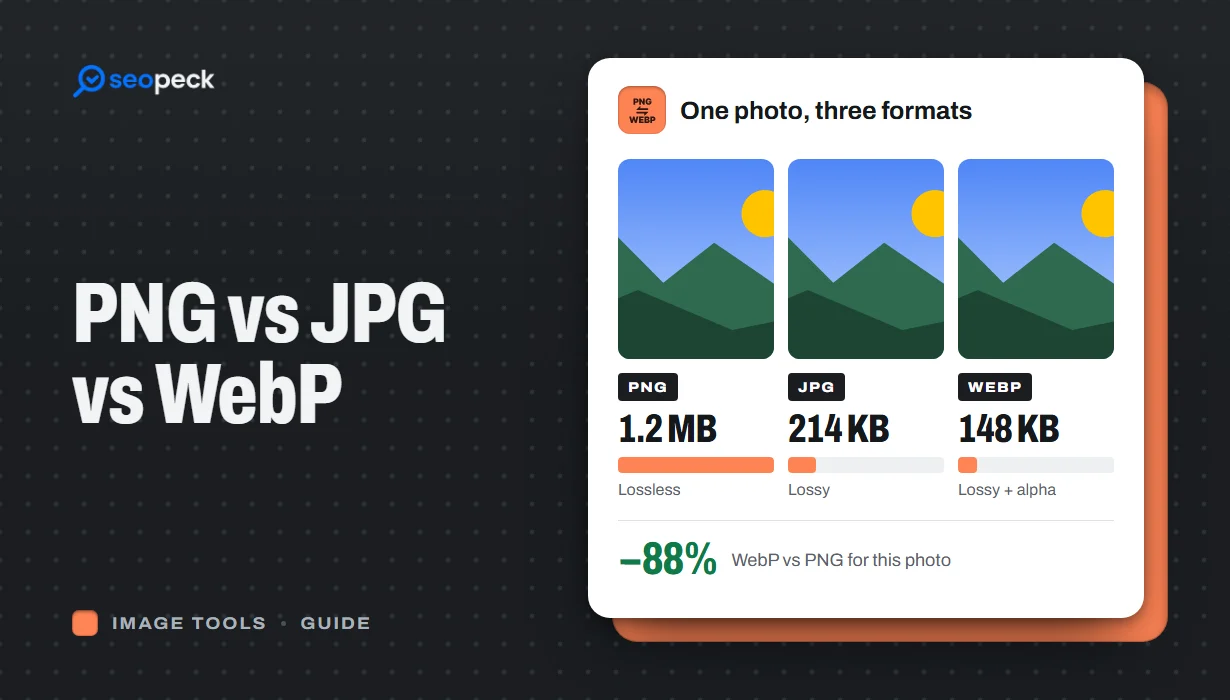 PNG vs JPG vs WebP: Which Image Format Should You Actually Use?
A plain-language comparison of PNG, JPG and WebP, with rules of thumb for choosing the right one and tools to convert between them.
PNG vs JPG vs WebP: Which Image Format Should You Actually Use?
A plain-language comparison of PNG, JPG and WebP, with rules of thumb for choosing the right one and tools to convert between them.
