
Image to Base64
Convert an image into a Base64 data URI to embed directly in HTML or CSS.
Encoded in your browser. Your photo is never uploaded.
Base64 is about a third larger than the file: becomes . Best for small icons and logos.


Image to Base64
A Base64 string lets you embed a small image directly in HTML, CSS or JSON instead of linking to a separate file. Upload the picture and the encoded string is produced in your browser.
How to use Image to Base64
- Add an image (PNG, JPG, WebP, GIF or SVG) under Upload Image to Base64.
- Click Convert to Base64.
- Copy the Base64 String into your code.
When it comes in handy
- Inlining tiny icons and logos to save an extra HTTP request.
- Embedding images in HTML emails, JSON payloads and test fixtures.
- Storing small images in a database text field.
Frequently asked questions
Should I inline every image?
No. Base64 makes data about a third larger and cannot be cached separately, so it suits small images only. Keep large photos as normal files.
How do I use the result in CSS?
Prefix it with a data URI such as data:image/png;base64, and place it inside url() as a background image.
Related guides
-
 What Is Base64 Encoding, and When Should You Actually Use It?
Base64 encoding turns binary data into plain text so it survives systems built for text. Here is what it is for, and what it is not for.
What Is Base64 Encoding, and When Should You Actually Use It?
Base64 encoding turns binary data into plain text so it survives systems built for text. Here is what it is for, and what it is not for.
-
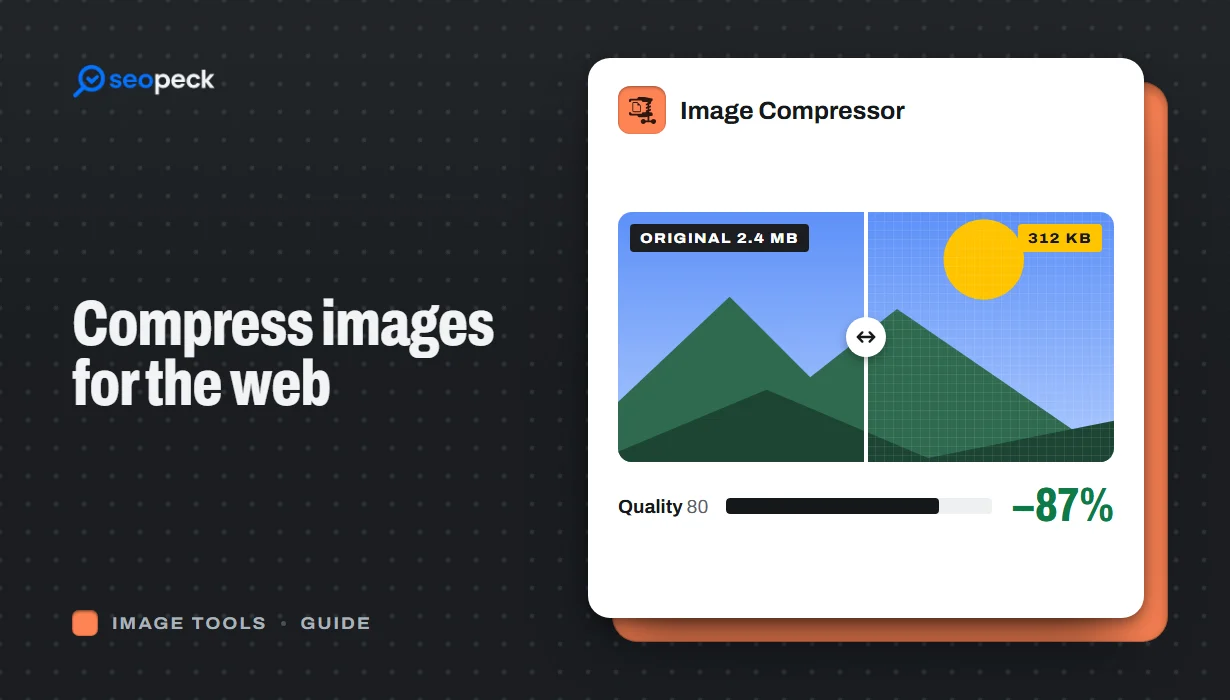 How to Compress Images for the Web Without Making Them Look Worse
Why images slow pages down, how to pick the right size, format and quality, and a quick workflow that keeps photos sharp and pages fast.
How to Compress Images for the Web Without Making Them Look Worse
Why images slow pages down, how to pick the right size, format and quality, and a quick workflow that keeps photos sharp and pages fast.
-
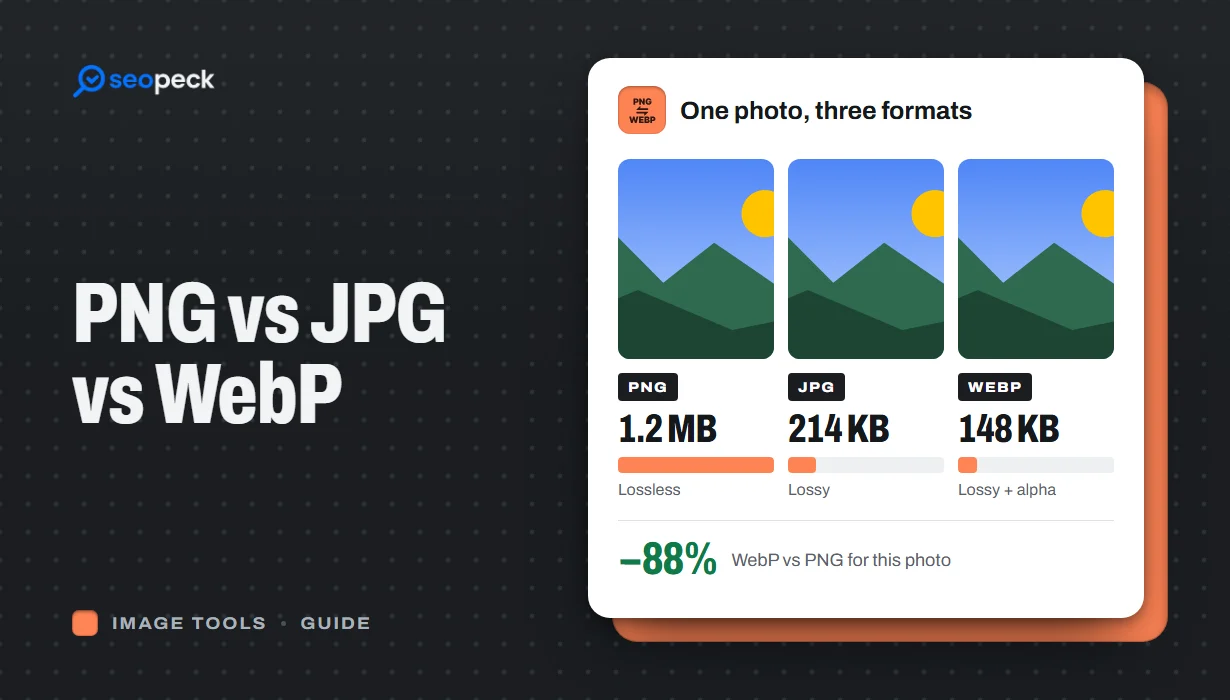 PNG vs JPG vs WebP: Which Image Format Should You Actually Use?
A plain-language comparison of PNG, JPG and WebP, with rules of thumb for choosing the right one and tools to convert between them.
PNG vs JPG vs WebP: Which Image Format Should You Actually Use?
A plain-language comparison of PNG, JPG and WebP, with rules of thumb for choosing the right one and tools to convert between them.
