

Meme Generator


Meme Generator
Meme Generator puts the classic meme text on any picture: bold white capitals with a black outline at the top and bottom. Choose a picture, type your lines and download the meme as JPG, PNG or WebP, with no watermark and no sign-up. No picture to hand? Skip it and the text goes on a plain coloured background. The picture is drawn in your browser and never uploaded.
How to make a meme
- Choose a picture or drop it on the page (or skip this step for a plain background).
- Type the Top text and Bottom text. Long lines wrap onto more lines by themselves.
- Adjust the Text size, the text and outline colours, and switch ALL CAPS on or off.
- Pick the format under Save as and click Download meme.
Tips for a meme that reads well
- Keep it short. The best memes use a few words per line: a set-up at the top, the punchline at the bottom.
- Keep the outline. White text with a black outline stays readable on light and dark parts of a photo. If you change the colours, keep strong contrast between text and outline.
- Size for the picture. Text size is measured against the picture width, so the same setting looks right on a small or a large image. Lower it if a line wraps into three or more rows.
- Leave room for faces. Pick a picture with some empty space at the top and bottom, or crop it first with the Image Cropper so the text does not cover the subject.
Which format to save
JPG gives the smallest file for photos and works everywhere, which suits group chats and social media. PNG keeps the text edges perfectly crisp and is better for screenshots and drawings. WebP is smaller than both at similar quality and is supported by all current browsers. Very large pictures are scaled so the longest side is at most 2,400 pixels, which is more than any social network displays.
When it comes in handy
- Jokes for group chats, Slack channels and social media.
- Light-hearted slides, team announcements and newsletters.
- Quick captioned images for a blog post or a reply.
To hide a name or face in the picture first, use the Image Censor; to make the file smaller after downloading, use the Image Compressor. For an animated meme, turn a short clip into a GIF with Video to GIF.
Frequently asked questions
Is there a watermark?
Is my picture uploaded?
Can I use any picture?
Can I make an animated GIF meme?
Related guides
-
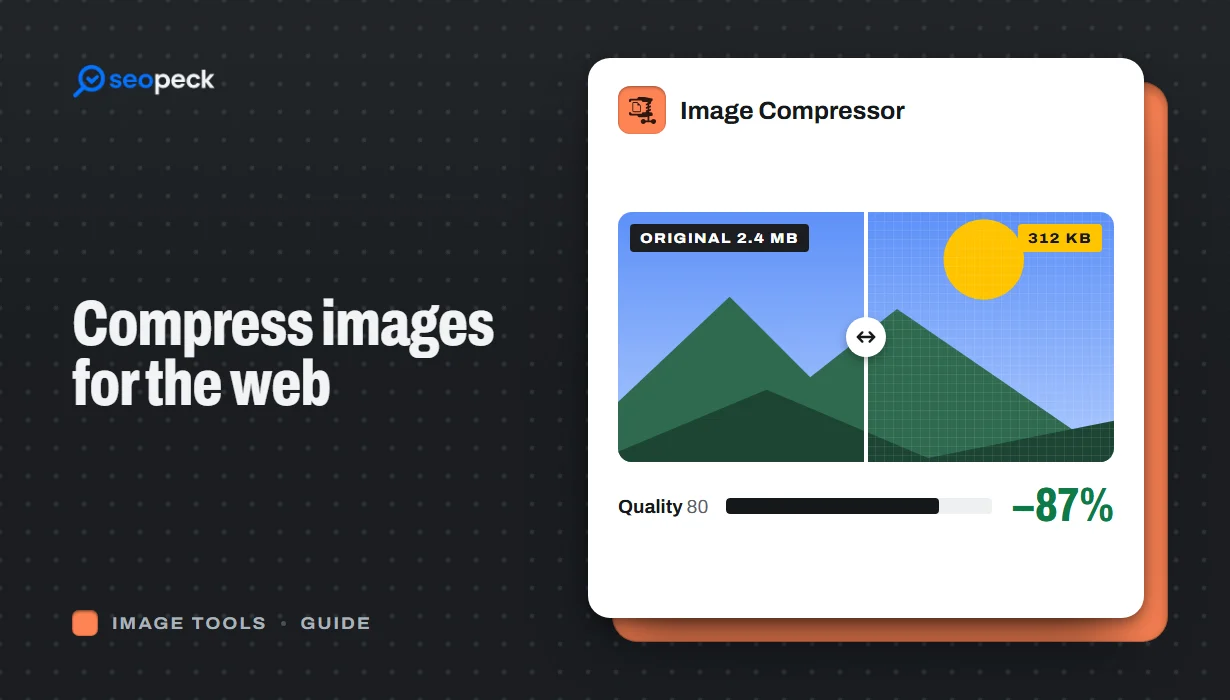 How to Compress Images for the Web Without Making Them Look Worse
Why images slow pages down, how to pick the right size, format and quality, and a quick workflow that keeps photos sharp and pages fast.
-
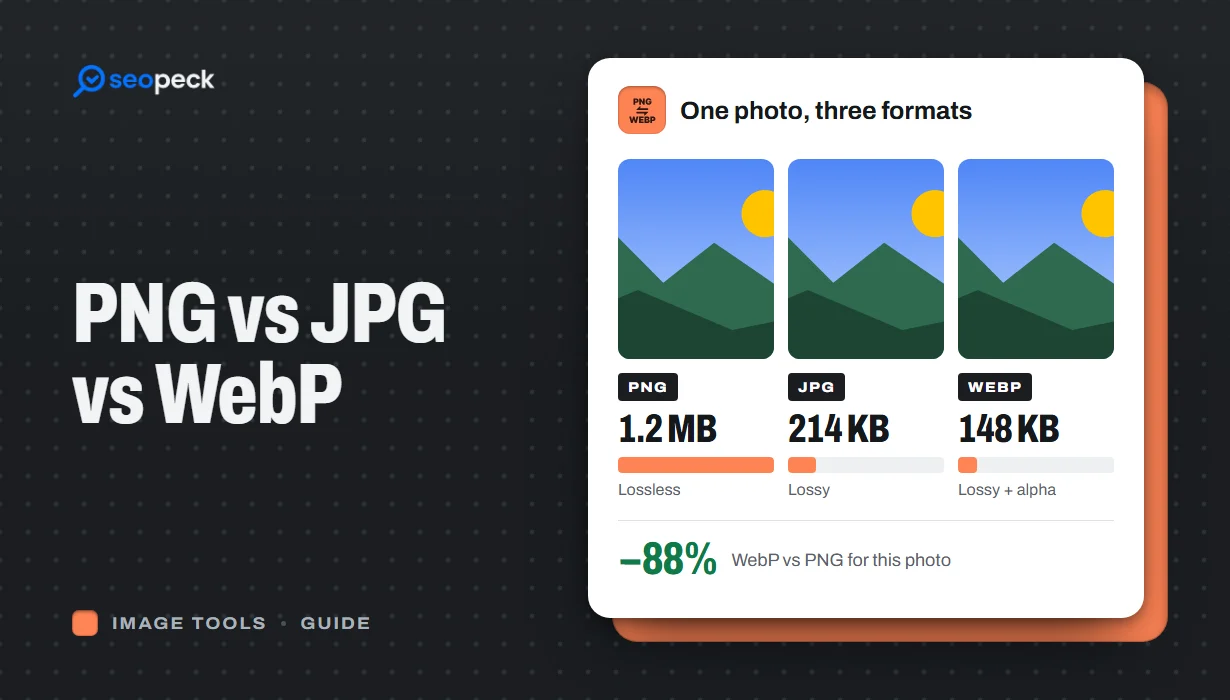 PNG vs JPG vs WebP: Which Image Format Should You Actually Use?
A plain-language comparison of PNG, JPG and WebP, with rules of thumb for choosing the right one and tools to convert between them.
-
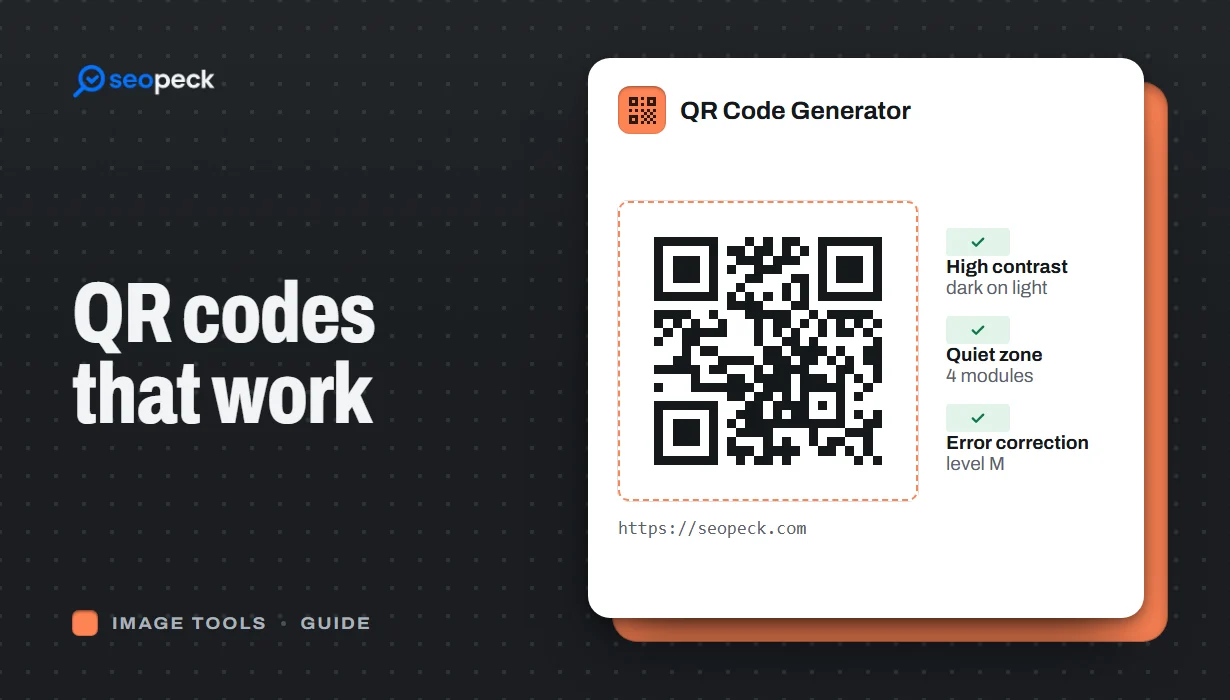 How to Make a QR Code That Actually Scans: Size, Contrast and Testing
Practical rules for creating QR codes that scan first time, in print and on screen: what to encode, how big to print, colours, quiet zones and testing.